3

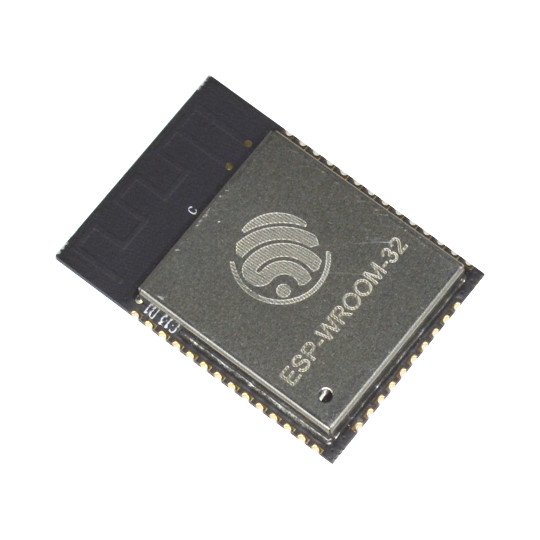
I have an ESP32 chip, not the DevBoard, but the chip only, this one. https://www.olimex.com/Products/IoT/ESP32-WROOM-32/images/ESP32-WROOM32-1.jpg

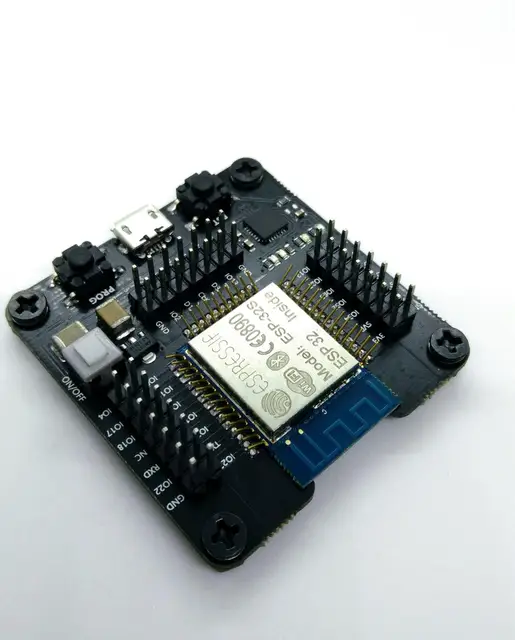
I have a burn board which I use to flash the ESP32, this one https://ae01.alicdn.com/kf/HTB1FvpqPVXXXXcdXpXXq6xXFXXXR/ESP32-test-board-small-batch-burn-fixture-for-Le-Xin-ESP-WROOM-32-module.jpg_640x640.jpg

So I flashed my program using this board onto the chip and I can boot it up using the board itself. But I want to know how to boot the chip without using the board.

I took a 3.3v supply and connected the 3v3 pin and GND on the chip, but that doesn't seem to work. Can anyone tell me the procedure to boot the ESP32 which has a program flashed in it, normally so that it executes the program? I need help understanding the wiring. I even connected the GPIO0 to VCC, but that didn't seem to work either.

  • 4
    I'm voting to close this question as off-topic because it is about basic, generic use of a general purpose embedded board, while the question being asked is not about IoT. A question about some detail of moving smart home commands to or from an ESP32 could be on topic, but a question about just booting one up is an ESP32 question, not an IoT question. Additionally, even on a site where it is on-topic your question would probably be closed as "too boad" since stack exchange sites are for specific problems, rather than a place to request introductory "how to" references or tutorials. – Chris Stratton Feb 17 '18 at 19:18
  • Check the schematic of some dev boards, ref designs and ofc the datasheet or application notes. – Bence Kaulics Feb 17 '18 at 19:24
  • perhaps https://github.com/espressif/esptool/wiki/ESP32-Boot-Mode-Selection will help -note, EN and RESET should be pulled high too, not just GPIO0 – Jaromanda X Feb 21 '18 at 00:00

0 Answers0