I assume that you have inserted the video with the add-on "Import images as planes". If not, you can enable this free add-on (menu Edit > Preference > Add-ons. Search for Images and enable the add-on).
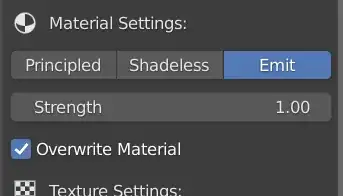
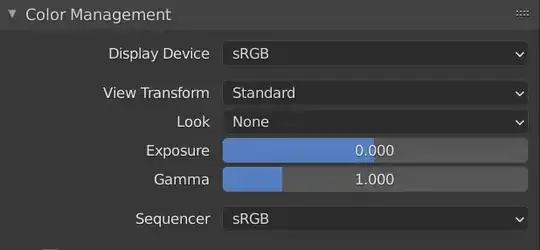
When inserting the video, you should choose for "Emit" in the material Settings (see figure 1). That way, the colors of the video are more independent from your lightning setup in the scene. If the colors still loooked a little washed-out, may be you can change the Color Management > View Transform from Filmic to Standard in the Render Properties tab (see figure 2).
About the speed of the video. It's hard to tell without further info. Are the frames per second of the original video and your blend file settings the same?