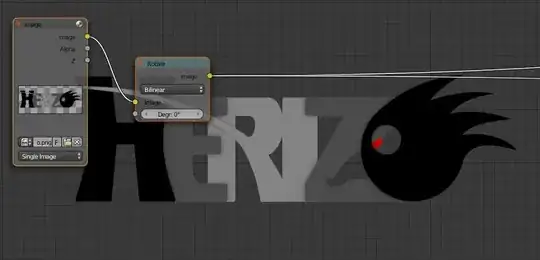
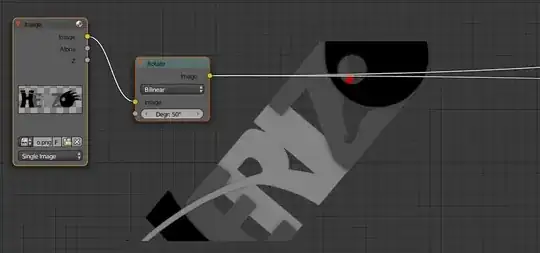
I have an image that I want to rotate in compositor, to mix it with another image later. But as you can see in the images attached, when I use the rotate node, the image gets cropped.
I could create a plane in 3DView and render it, but I would prefer a shorter solution inside the compositor.
Is there any way to extend the canvas of the image, so this operation can be done?