When I import a stl object it arrived like this (front view):
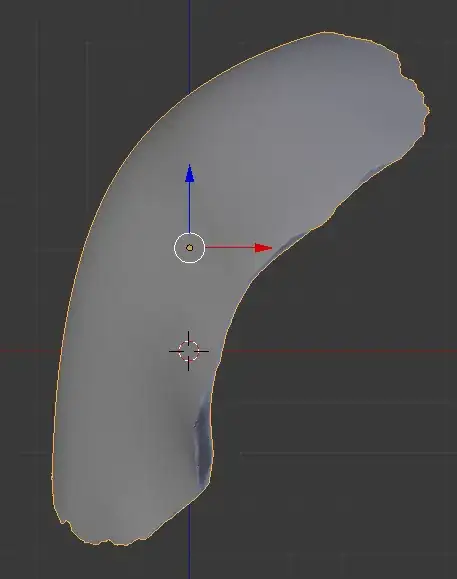
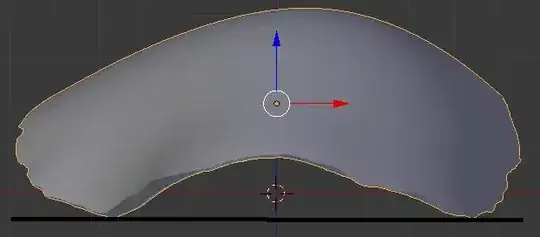
I have to manually rotate it until I have the two lower points of my object at the same level on the Z axis(that's what the black line is supposed to show). Here is the result after the first rotation, in the
front view:
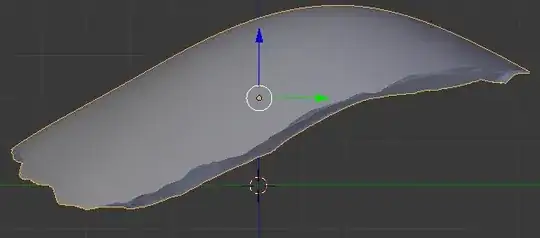
The same rotation seen in the right view:
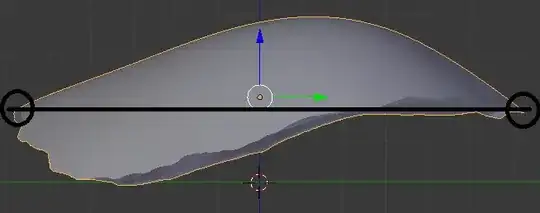
Then I rotate it in the right view until the two extemum points of the object are at the same level on the Z axis:
Finally, I translate the object on the Z axis until every vertex of the object are above the XY plan : 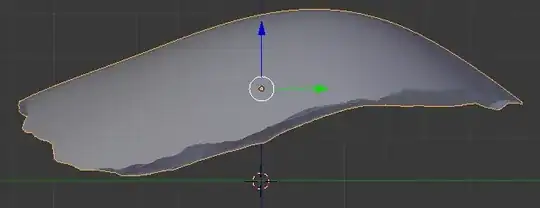
My question : How to do that with a python script ?
I thought about the least square method to correctly rotate the object but I don't know if it is the easiest way !
update That's what I obtain with the Bounding box :
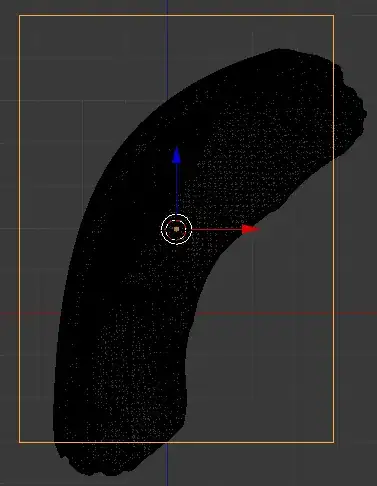
update
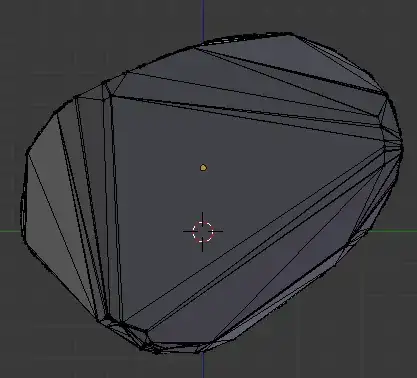
here's what I get with the convex hull :
front view:
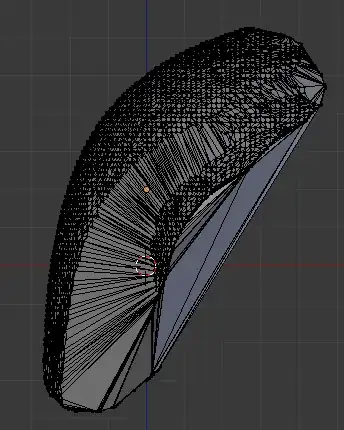 right view:

bpy.ops.mesh.convex_hull(), http://www.blender.org/api/blender_python_api_2_63_12/bpy.ops.mesh.html?highlight=hull#bpy.ops.mesh.convex_hull. Duplicate your object, toggle into Edit Mode and run the code. Also for bmesh: http://www.blender.org/api/blender_python_api_2_73_2/bmesh.ops.html?highlight=bmesh.ops.convex_hull#bmesh.ops.convex_hull – p2or Mar 24 '15 at 14:04