The curves look fine in wireframe, but in solid part of the "S" and about 1/4 of the bottom of the rounded square is missing (the first picture is wireframe and the second is solid).


The curves look fine in wireframe, but in solid part of the "S" and about 1/4 of the bottom of the rounded square is missing (the first picture is wireframe and the second is solid).

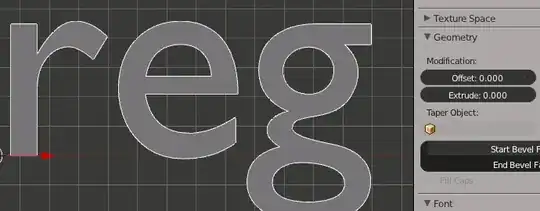
The most likely cause is Self Intersecting segments. The same happens if you have a text object and extrude it to the point where Curves intersect other curves:
From: text-objects-are-messed-up-when-using-offset/2727#2727 (Different question, same answer and reason)