0

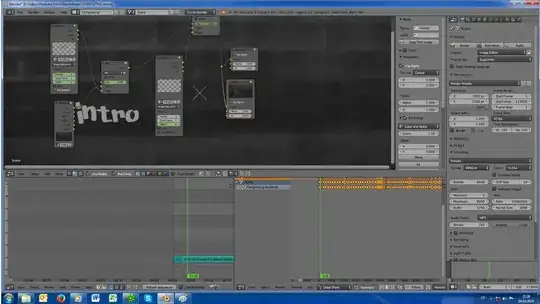
Wanted to do a lyrics Video. So i connected an Image sequence and a movie Clip to a mix. The outcoming Signal went into another mix, together with another Image sequence. However it renders only the Sound with a black Screen.

Can anyone tell me an answere? I do not want to do it all again in case the Data is screwed. Cause that Video includes 450 Images, all set up in Dope sheet..

][enter image description hereenter image description here

  • I don't see any preview in second sequnce, like it couldn't load image... If you will render only from first Mix, does output produce blackscreen? – Serge L Mar 04 '19 at 18:56
  • Use the viewer node to troubleshoot the node chain. See: https://blender.stackexchange.com/questions/132293/how-to-use-the-viewer-node/132300#132300 –  Mar 04 '19 at 19:51
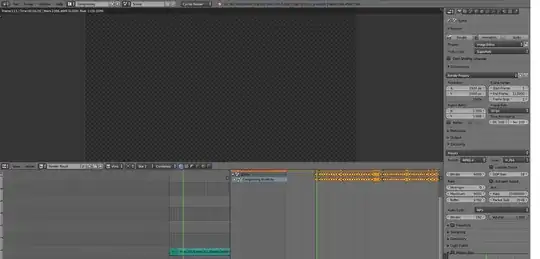
  • I added two screenshots. Referring to 1 or 2 mixes.. In that project (in the pictures) it does not make any difference. But i started a new project and in this it does make a difference. – Mickymaus12812 Mar 04 '19 at 20:32
  • just figured out that it depends on the sequence you connect the mixes (and the image sequences) for my Backup.. But still i have the problem with Not rendering anything in my finished project. Seemingly There is no explanation. In node editor i can see it via backdrop etc. But f12 just Shows a transparent / black image – Mickymaus12812 Mar 04 '19 at 20:49
  • 1
    Try to disable Sequencer render in Postprocess settings – Serge L Mar 04 '19 at 20:57
  • se: https://blender.stackexchange.com/questions/24440/cycles-render-output-solid-black-images/24453#24453 and https://blender.stackexchange.com/questions/5285/blender-is-rendering-an-older-version-my-project –  Mar 04 '19 at 22:02
  • Yes it seems to work! Thank you serge!! Really really helped me !! I have no idea what that means, no idea what i did or why this box was checked – Mickymaus12812 Mar 09 '19 at 11:52

0 Answers0