0

Recently I asked this question and got a very nice answer:

What is the easiest way to smooth the intersection of two planes?

However, now I would like to use a different material for each face. Could anybody help me on how to do this? Written in python script would be best.

Thanks, Mojmir.

  • Would you be willing to use a subdivision surface with "control loops" ? http://www.youtube.com/watch?v=aQZ5ZAldzu4 (I couldn't find a text article that explains the technique in my time quota). Solving it in python would require about 30 minutes of analytic geometry and 30 minutes of futzing with bmesh. – Mutant Bob Jul 16 '14 at 15:36
  • You can directly set the material of a face. api docs – pink vertex Jul 16 '14 at 16:43
  • pink vertex: Yes that is true but how do I select the face? Where are they located I was trying but they are not as edges. One cannot do obj.data.faces[i] like with edges obj.data.edges[i] – Blender Pirate Jul 17 '14 at 07:17

1 Answers1

1

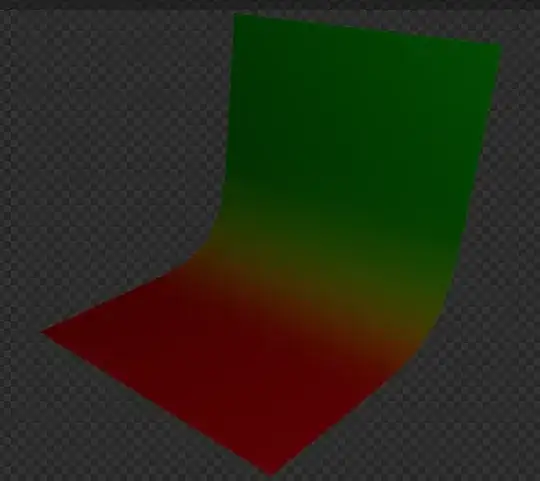
No script here but this is a possible node setup: enter image description here

to get this: enter image description here