0

So I am totally new to Blender and I work on blendergurus beginner series, as probably many who start with Blender. I tried to solve this now for a long time by myself but everything I read and tried did not work. Maybe you can help me :)

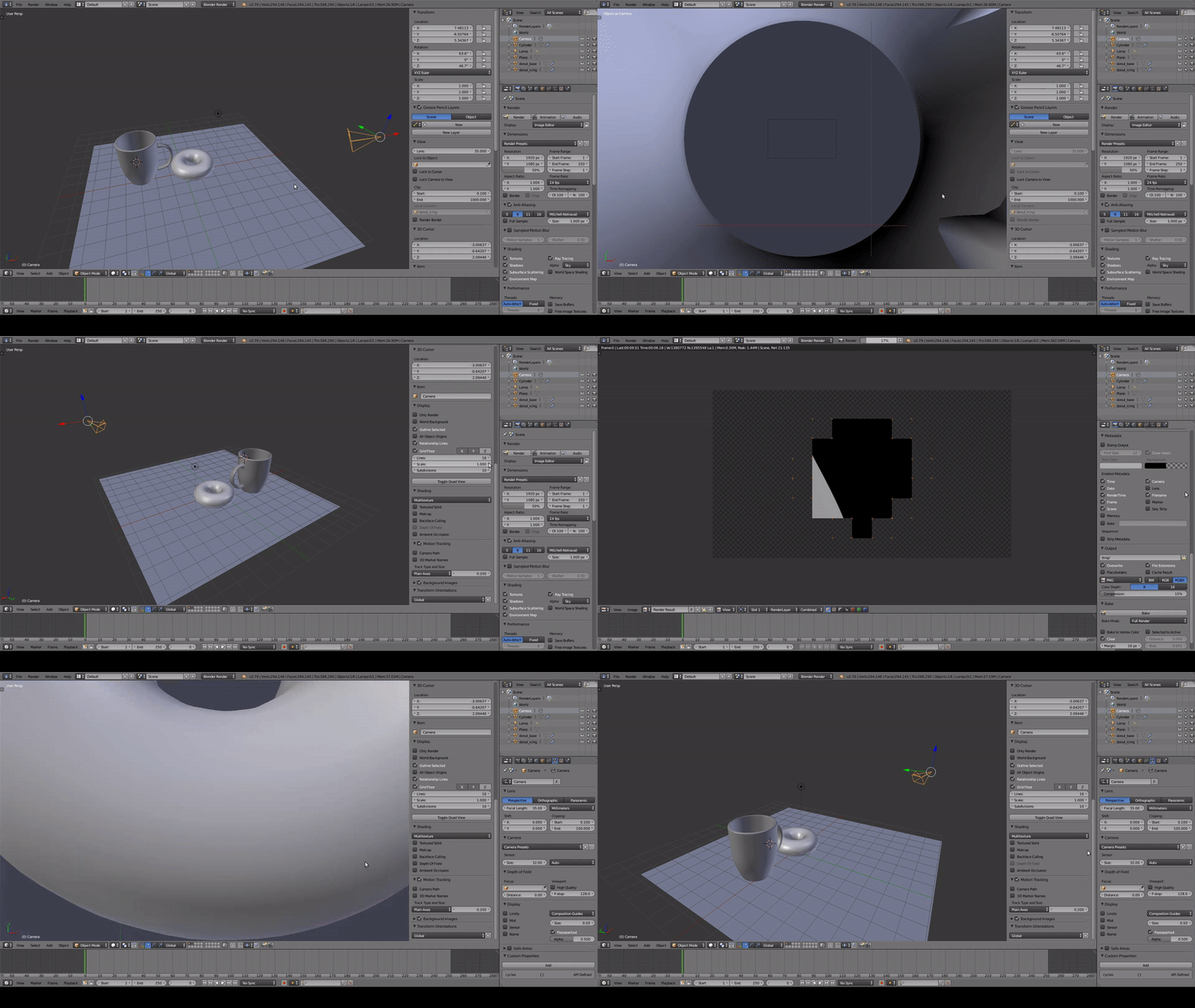
Somehow my camera is stuck at a weird position, if I want to render. I captured the behavior in the GIF below:

https://media.giphy.com/media/dTtyxyZqLiajfgNfUh/source.gif (Tried to embed the GIF,but imgur is rejecting the request ¯\_(シ)_/¯)

Here are some additional screenshots of my properties, render and camera: enter image description here

1 Answers1

1

Check in the outliner to see if you have another camera in the scene. The one that is shown in the Gif, doesn't have its triangle completely coloured in - it's just the outline of a triangle. If it's completely coloured in, it's the ACTIVE camera. With the visible camera you want to render from still selected, press Control and Number Pad 0. That will throw you into the camera view of that camera and make it the active one.

Susan
  • 992
  • 6
  • 7
  • thanks for your help. It was the solution from cegaton linked above. :) –  May 25 '19 at 20:31