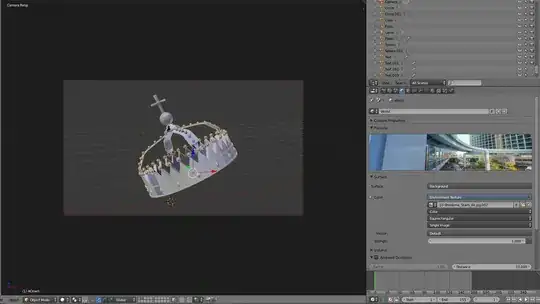
There are many things which could cause this, but here are some of the most likely ones (not including the ones already mentioned by GiantCowfilms)
A Modifier disabled in the viewport could be hiding/messing up the object(s) only in the render.
As GiantCowfilms already suggested, it could be a renderlayer issue. Having all layers selected does not mean your object will be in a renderlayer, the layers specified under layer are the ones which are used in rendering:

In the above case, only layer three will be rendered (objects on layers 1 and 2 will not appear).
Use surfaces could be disabled:

A transparent material be used somewhere, such as the material override slot.
A problem with the compositing setup could be excluding your objects from the composited result.
There are all sorts of unlikely scenarios which could cause this, so there's really no possible way to list them all..
Troubleshooting
To help troubleshoot this, here are some things you can try:
Are the objects rendered in viewport render (ShiftZ)?
If it does, then this suggests it's something on this list.
If you add a new object, is it rendered?
If it is, then that suggests it's something object specific (not a renderlayer/compositing problem)