If you create an object, then subdivide it (ctrl + r), how can you later add more loop subdivides?
For example, if I try and add more loop cuts, the are confined to only a portion of the cube.
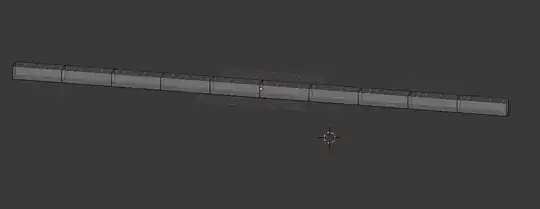

Yes and no.
One thing you can do is this:
Switch to edge select mode (⎈ Ctrl↹ Tab)
Select an edge ring (⎈ Ctrl⎇ Alt RMB)
RMB)
Multi select edge loops (Fastest to access via the Space menu)
Subdivide
Example:

However this only lets you double the number of existing loops.
Without deleting loops/other manual tricks, I don't think there is currently a way of getting a precise number of evenly distributed loops, especially on more complex objects.
See Is there any way to edit parameters for an object after it is created?
I don't know if there is a better way of doing it, but you could try selecting the edges from the original loop cut and using limited dissolve (press x, click limited dissolve) and re-doing the loop cut after. might need to use a different dissolve option. Again, just a quick thought...there may be a better way


