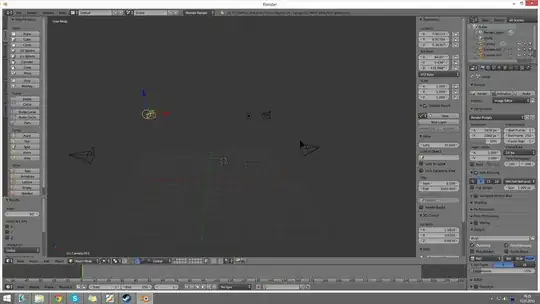
You can do this with multiple scenes.
Once you have completed your scene create a new one, selecting Link Objects. This makes the new scene use the same objects as the original, when you move an object it will move in each scene.

You can either delete the camera in the second scene or just change the active camera for each scene.
If you add a new object after you duplicate the scene, select the new object, press CtrlL and choose the scene to link it to.

Then in the compositor you add multiple RenderLayer input nodes and choose a different scene in each one and composite as you choose. When you render each scene will be rendered automatically.

 I used for the sample here.