I want to do a boolean operation (Intersect) between a disk and a plane, to get the profile of the disk. My disk is turning slowly by animation. For each frame I need the profile, to do some stuff with a python script.
The problem is, that there are some frames where the boolean doesnt work as espected. But in many frames it works. For example:
- Frame 149 works (Profile is cut)
- Frame 150/151 doesnt work (Profile is cut, but the cutting plane is still there - like merge)
- Frame 152-154 doesnt work (No profile or plane is visible)
- Frame 155 works
My animation only controls the rotation of the disk. I cannot see any system of working-not-working frames.
To solve the problem I read the following post: The Boolean modifier is not working and do this
- remesh the disk (from large triangles to the fine mesh you see in the file)
- check normals (all were correct)
- remove doubles (14 were removed)
Sadly these "Bugfixes" doesnt work. What can I do to get a proper profile in each frame? What am I missing?
This is a simplified .blend File (EDIT: Now with Camera):
Thanks for your reply! CeDoMain
EDIT:
- I'm using Blender 2.93.8.
- I added a Camera to the file to show the profile.
- I can see the wrong frames in Cycles, Luxcore and also in the Viewport directly. I provide some pictures how some of the described frames look to me:
 Frame 149 with disk shown
 Frame 149 with disk hidden
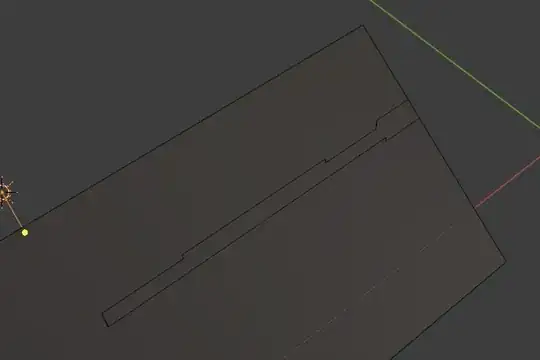 Frame 150 with disk hidden
 Frame 152 with disk hidden


