How do you make a spherical/ovular object in Blender?
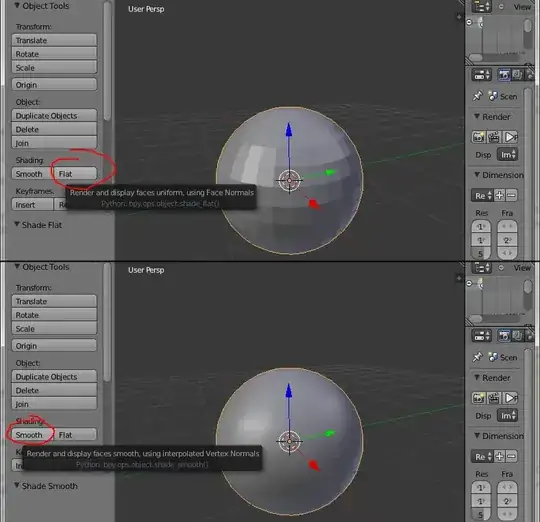
I can make square objects, and I can make a UV sphere. But how would I make an object that appears spherical in render?
How do you make a spherical/ovular object in Blender?
I can make square objects, and I can make a UV sphere. But how would I make an object that appears spherical in render?
In the main menu:
Add > Mesh > UVSphere
Add > Mesh > IcoSphere
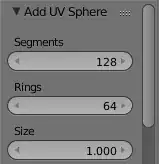
In the tool properties panel you can adjust the resolution. Later you can even add a subdivision surface modifier to it. Note that this way a sphere is represented with polygons.
Theoretically a ray-tracer can render real spheres, but cycles does not support it. Even meta-balls are rendered polygonally, not as real smooth surfaces.

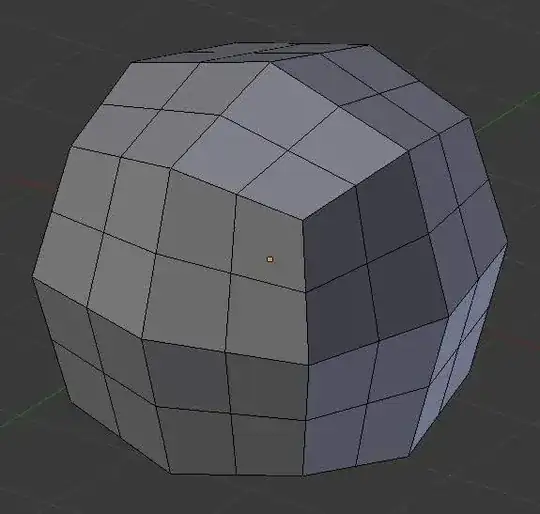
Use subdivide with a smoothness of 1:
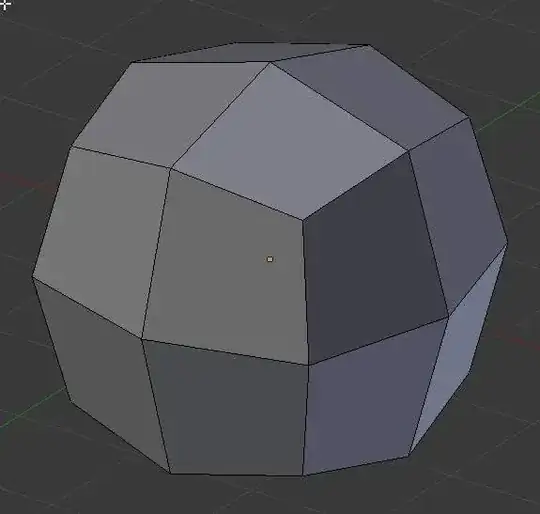
Mesh before subdividing:
Subdivided with no smoothing:
Subdivided with smoothing of 1:
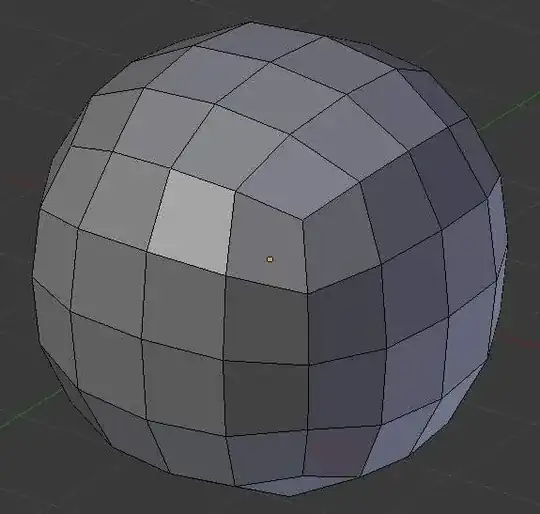

To make a UV sphere rounder, increase the number of segments and rings in the "Add UV Sphere" panel. These are good values to use: