2

I am making a path using bezier curve and having an object which follows the path using steering actuator. My problem is having a path which resembles the English letter "Y", for that I need to split one of the control end of the curve. How can I do that?

Also, if the path has the shape of "P", how can I join one control end of the bezier curve to an intermediary control point?

I am not an expert in Blender. Please help me, thanks in advance.

brasshat
  • 5,446
  • 7
  • 23
  • 44
sosoup
  • 67
  • 1
  • 5

1 Answers1

1

I think you can create such shapes only by combining 2 or multiple curves, because

Each new segment is added to one end of the curve. A new segment will only be added if a single vertex, or handle, at one end of the curve is selected.

wiki page

The same may be applied to creating 'P' shape, thus joining 2 curve segments - it'll raise an error "Cannot make segment". You can duplicate that curve segment and place it atop of existing one, but still it'd be 2 different curves (example below).

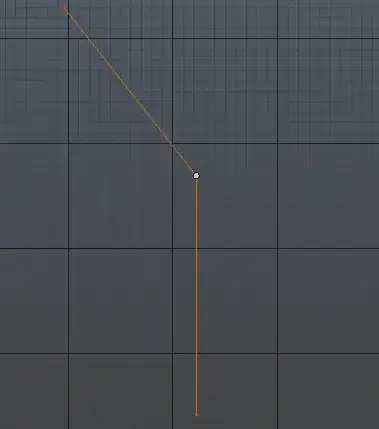
As another way you may want to use simple mesh with all vertices deleted except for one. You then extrude shape needed either with E or Ctrl + LMB:

split-curve_1

After adding mirror modifier you'll get that 'Y' shape. If you convert now this mesh into curve with Alt+C you'll see that it actually consists of 2 curves:

split-curve_2

It's just the same what you would get if extruding this shape with curves manually.

Mr Zak
  • 10,848
  • 4
  • 28
  • 77