Is it possible to map a texture onto a sphere using python script? I am sure it is, but so far I was not able to figure out how to do it.
Asked
Active
Viewed 3,265 times
2


-
Related, How to get perfect UV sphere Mercator projection?. – iKlsR Dec 20 '13 at 15:43
2 Answers
1
You should follow some beginner tutorials first, like Blender manual, to have an idea how to find yourself around Blender's API.
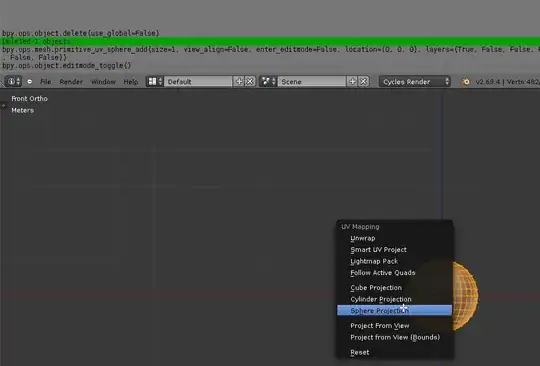
To get some feedback on comman tasks just pull down Info Panel or change the layout to Scripting like:

Now you will have feedback for all actions you perform like you usually would:

kilbee
- 1,327
- 12
- 22
0
Perhaps this post on Blender Artists could help you. It is covering version 2.5, but at least it can give you a direction to go in and help you know what steps are needed.
Here are some quotes from the thread:
Just a very simple problem I think, but how can I make a little piece of Python 2.5 script for this :
- Tell me which is the active object ?
- Create a new material
- Create a new texture : type Image or Movie
- Load an image in the texture
import bpydef loadImage(imgName): img = bpy.data.add_image(imgName) tex = bpy.data.textures.new('TexName') tex.type = 'IMAGE' print("Recast", tex, tex.type) tex = tex.recast_type() print("Done", tex, tex.type) tex.image = img mat = bpy.data.materials.new('MatName') mat.add_texture(texture = tex, texture_coordinates = 'ORCO', map_to = 'COLOR') ob = bpy.context.object bpy.ops.object.material_slot_remove() me = ob.data me.add_material(mat) return
loadImage('/home/thomas/picture.jpg')
Give or take the snippets that you need.


user3015600
- 168
- 1
- 8