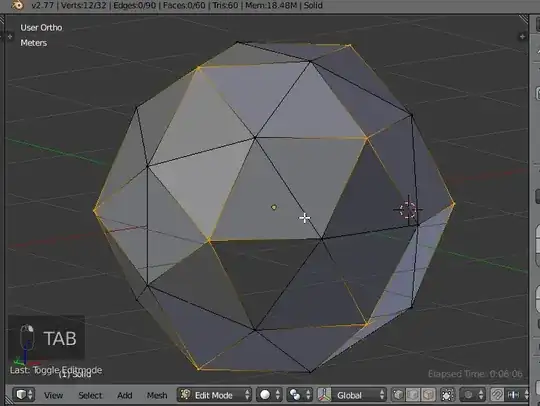
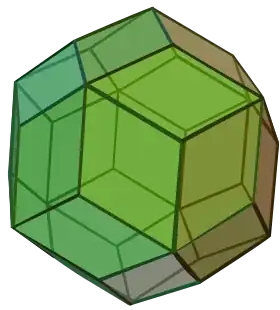
You can start from a dodecahedron to do that.

The dodecahedron is a regular solid given in the 'extra object' addon. It looks like this:

So, starting from it, the idea is to remove each edge which cut each pentagon (do that for all the pentagons):

And replace it by a center, like this:
- Extrude E, then scale to zero S0

Once done for all faces, you can remove all double and obtain this which is the geometry you want, except that rhombic parts are not flat:

To make them flat, select all the pentagons centers, then scale:
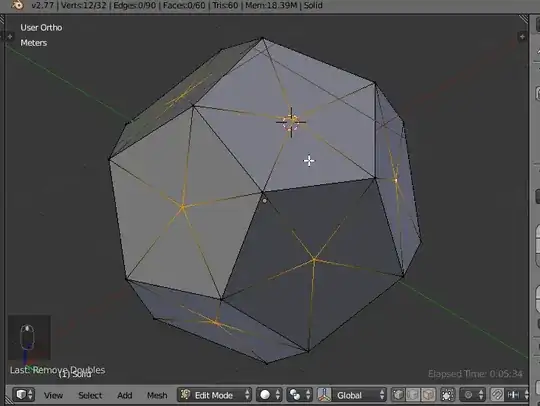
This scaling will be approximative, but now:
Enter edit mode again, select all, then make quad with AltJ: