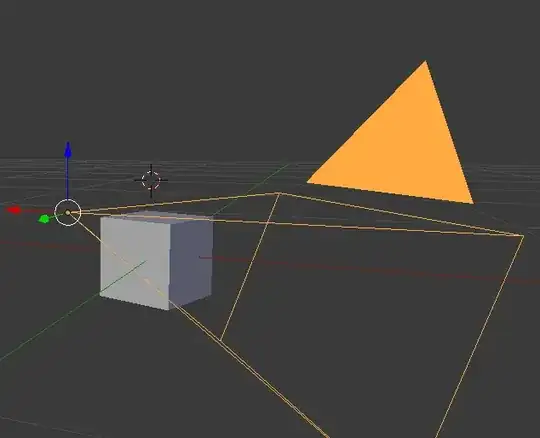
When you fly through your Blender 3D world, you can fly through things. However, sometimes I fly through objects, and before I even get close to them, the objects start cutting off(visually). See image:

How can I stop Blender from doing this? Or at least make it do so, when I get closer to the object?
There are some camera angles that I can't get because Blender cuts away the object in my view/cam




Startlower than the default has some weird effect on which lines get hidden in shaded mode :-/ It's a little annoying, but not a big deal. I'm mostly just surprised that it hasn't been fixed yet. – Matt Feb 19 '14 at 21:15