Is there any easy way of directly jumping to the definition of a Variable like it is implemented in some good IDEs? Currently I have to search manually (ctrl+f) through the whole workbook to find it somewhere.
Asked
Active
Viewed 772 times

1 Answers
5
If you use package files, ie, files with extension .m which contain mathematica code in plain text; create one from File->New->Package:
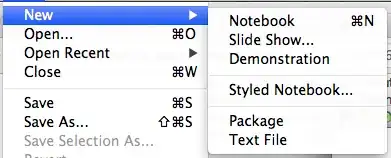
there is a button which lets you jump to the definition of symbols:

Clicking it shows a list of functions:
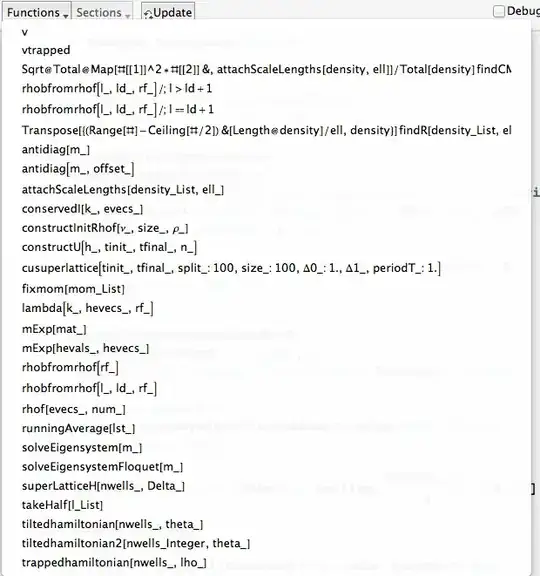
(although it gets confused sometimes, as you can see in this screenshot); clicking on a symbol name usually takes you to the assignment (if eg you have them all in one cell, this doesn't work...).
Now, the m-editor is not ideal, but better than searching. Note that by default it does not keep the indentation when you press return; this may be changed as described here. Also, block-indenting in this editor is impossible...


Getreports line numbers for syntax errors in package files but you need external editors to actually find those lines. So yes, there seems to be room for improvement... – Albert Retey Mar 08 '13 at 09:40func, use?funcor??func. – murray Mar 08 '13 at 20:24