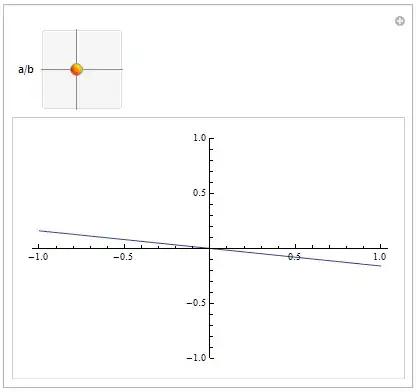
You can put almost any object into the controller area of a Manipulate, even separately from the controls automatically managed by Manipulate. In other words, in that case you can do something like
Manipulate[
           Plot[f[x, u[[1]], u[[2]]], {x, -1, 1}, PlotRange -> {-2, 2}],
           {{u, {1, 0}, "a/b"}, {-1, -1}, {1, 1}},
           Column[{Labeled[Slider[Dynamic[u[[1]]], {-1, 1}], "a = " Dynamic[u[[1]]], Left],
                   Labeled[Slider[Dynamic[u[[2]]], {-1, 1}], "b = " Dynamic[u[[2]]], Left]
                  }],
           Initialization :> {f[x_, a_, b_] := a x + b}]
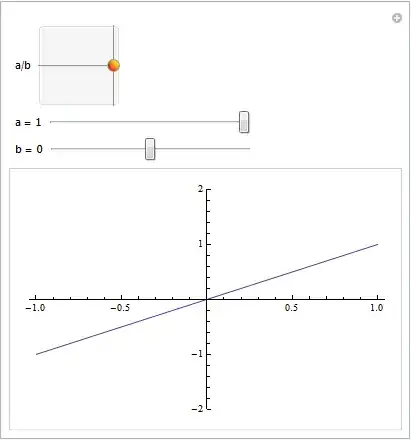
So, you don't really need to manually specify the Slider2D control, just add a couple of Dynamic sliders with same values of the original controller managed by Manipulate.
As you can see I also included the function f definitions inside the Manipulate box by means of the Initialization options. So, the box is fully independent by the external definitions. Otherwise a SaveDefinitions->True should be used.