You can replace old arrows to new with the following pattern
arw = Arrow[pt__List, opts : OptionsPattern[]] :>
  {Arrowheads[HeadLength] /. {opts, HeadLength -> Automatic}, Arrow[{pt}]};

Graphics[Arrow[{1, 2}, {6, 7}, HeadLength -> 0.1]] /. arw
Graphics[{Arrowheads[0.1], Arrow[{{1, 2}, {6, 7}}]}]
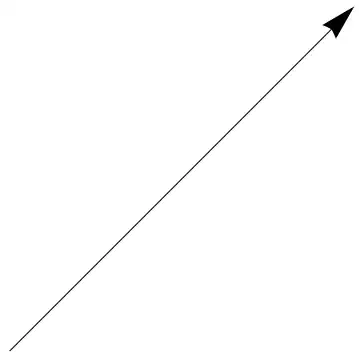
Arrowheads specifies the length of arrowheads as a fraction of the total width of the graphic. If you need another behavior see this question.
To take into account HeadCenter and HeadWidth you can specify your own graphics for the arrowheads
arw2 = Arrow[pt__List, opts : OptionsPattern[]] :>
 {Arrowheads[{{HeadLength, Automatic,
    Graphics@{EdgeForm[Black], Polygon@{{-1, HeadWidth/2}, {0, 0},
        {-1, -HeadWidth/2}, {-HeadCenter, 0}}}}}] /.
    {opts, HeadLength -> Automatic, HeadCenter -> 1, HeadWidth -> 0.5},
  Arrow[{pt}]};

Show[Graphics[Table[Arrow[{0, 0}, {Sin[x], Cos[x]},
     HeadCenter -> x, HeadLength -> 0.1] /. arw2,
   {x, 0, 1.6, 0.2}],
  PlotRange -> {{-0.1, 1}, {-0.2, 1.1}}]]

It is very close to the original behavior


Arrowheads[{{a,b}}]has the same meaning of the oldHeadLength->aandHeadCenter->b. – enzotib Nov 03 '13 at 13:35HeadCentergave the position of the junction marked with the red circle in this image: https://dl.dropboxusercontent.com/u/503888/arrow.png – enzotib Nov 03 '13 at 13:58