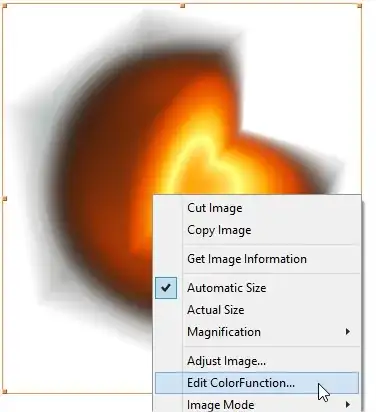
What is the default ColorFunction for Image3D? I find it a bit confusing that the most intense colour is not shown where the highest values appear:
data = Table[
   Exp[-3 (x^2 + y^2 + z^2)], {x, -1., 1, .01}, {y, -1.,
    1, .01}, {z, -1., 1, .01}];

Image3D[data, ClipRange -> {{100, 200}, {0, 200}, {100, 200}},
 ColorFunction -> Automatic] (* default colour function *)

Note that the bright yellow is not in the middle of the sphere. I wanted to understand what causes this effect (possibly some interplay of opacity and colours?). Otherwise I like the default. Did anyone try to reconstruct the default ColorFunction for Image3D?



hot()colormap… – J. M.'s missing motivation May 06 '15 at 10:58