1

I am trying to convert grayscale images to black and white, where I hope to have certain artistic effect, called stippling: enter image description here

I have tried two methods; dithering (with ColorQuantize)
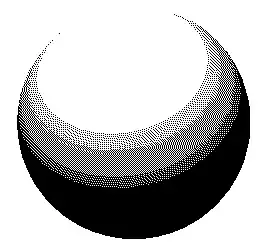
enter image description here

and a stochastic method, where the probability of a pixel being black is proportional to the darkness of corresponding picture:

enter image description here

The image I applied this to is the following:

enter image description here

So, the dithered image is "too regular" in some sense and seems to be too local, there is too much white on the top.

The stochastic version is too irregular; real randomness can give clusters, which is undesirable in this case. The artistic picture above have much fewer clusters of dots/pixels, and gives a nice uniform distribution in areas of similar shade. So, what I seek is something between the dithered and the stochastic version, where the dots are all somewhat "repelling".

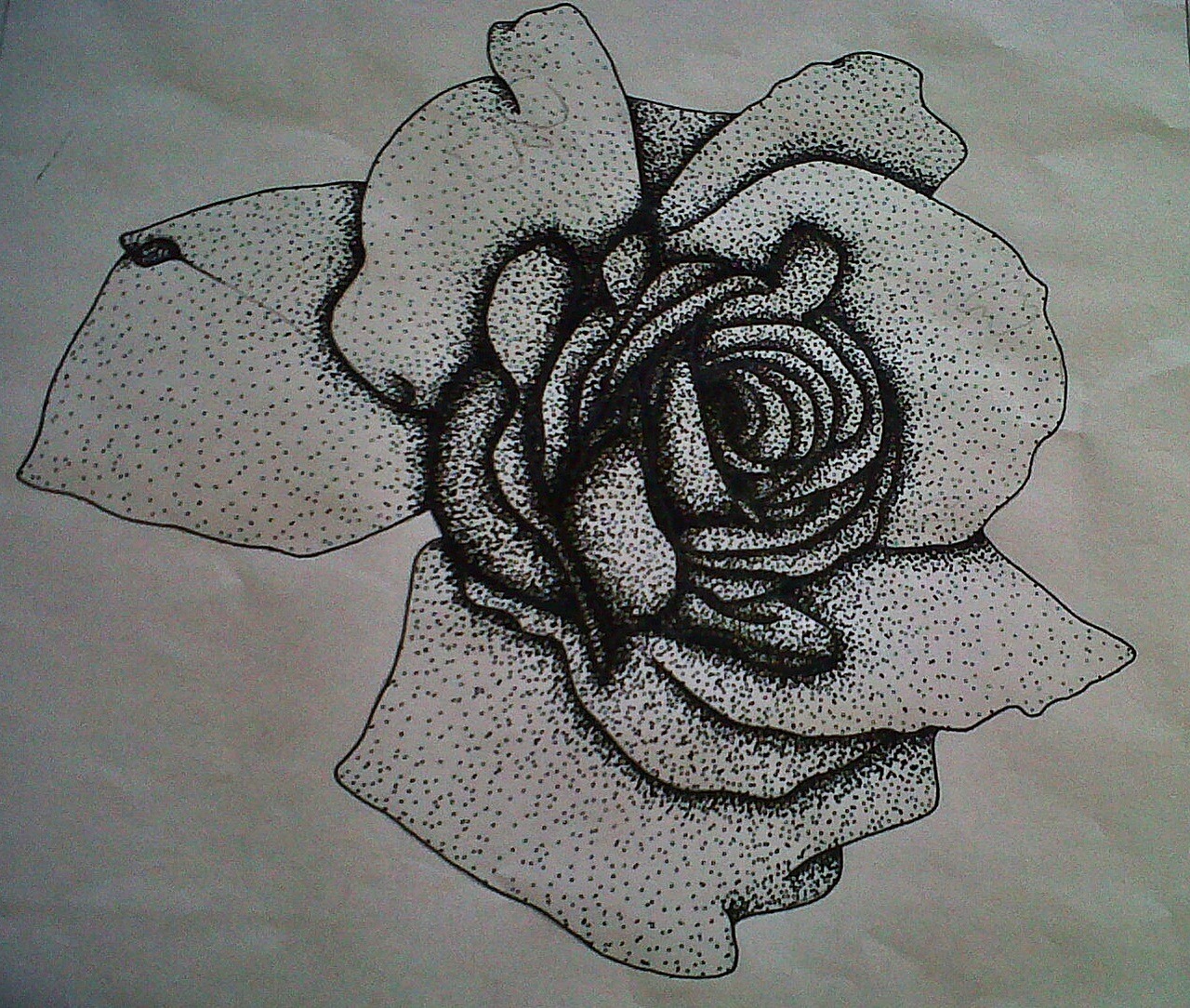
Another example., or this

Per Alexandersson
  • 2,469
  • 15
  • 19
  • A related topic you may check is Artistic image vectorization http://mathematica.stackexchange.com/questions/8507/artistic-image-vectorization – s.s.o Mar 01 '14 at 22:40
  • Stippling applied to profile images: 8716. This is a possible duplicate but I can't decide. – C. E. Mar 01 '14 at 22:41
  • 2
    This would be the actual duplicate, as it's about achieveing the exact same effect: http://mathematica.stackexchange.com/q/21240/12 I haven't voted to close yet because you seems to have already done something similar to that, but you're looking for better quality dithering. – Szabolcs Mar 01 '14 at 22:45
  • Ah, cool! I had some feeling I might have seen it somewhere, so yes, it is perhaps best to close this. Thanks! – Per Alexandersson Mar 01 '14 at 22:54
  • This is NOT a duplicate of 21240, which is about 3D geometric figures only. The OP is asking about 2D grayscale images. – Tyler Durden Oct 01 '14 at 05:29

0 Answers0