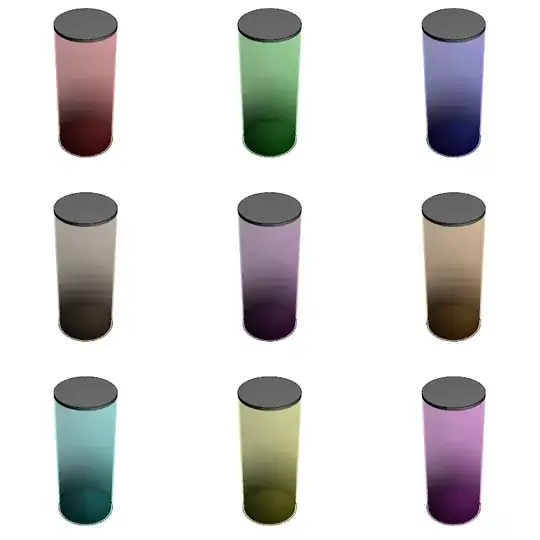
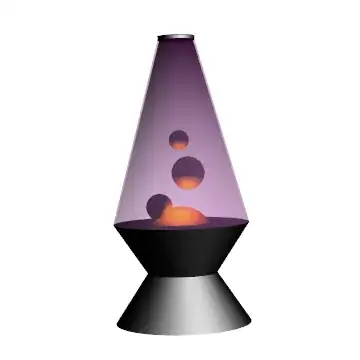
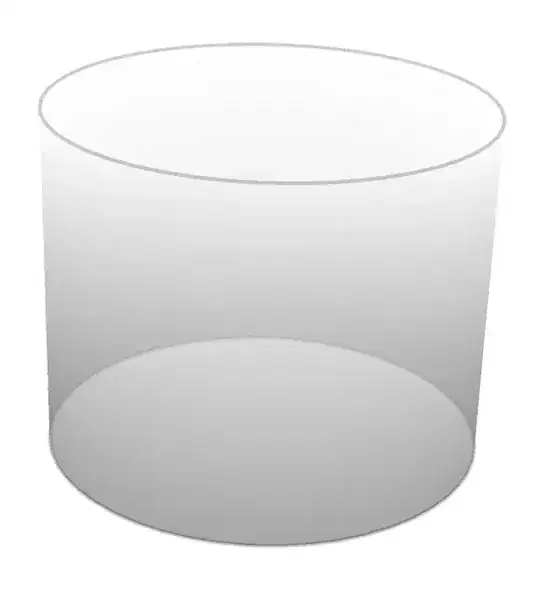
I'm trying to create a figure illustrating a cylinder filled with gas. And I saw a very good looking similar one at here. The shape is polygon and by using the VertexColors option, it creates a impression of gas inside the building, with high density near the floor and low density near the roof. However, I would like to plot a cylinder, and for a cylinder, there seems no option of VertexColors. So how can I create the same shading effect for a cylinder?
Code copied from here
w = 100;
l = 200;
h = 30;
m = 70;
backwall = {{0, l, 0}, {w, l, 0}, {w, l, h}, {0, l, h}};
side1 = {{0, 0, 0}, {0, 0, h}, {0, l, h}, {0, l, 0}};
side2 = {{w, 0, 0}, {w, 0, h}, {w, l, h}, {w, l, 0}};
floor = {{0, 0, 0}, {w, 0, 0}, {w, l, 0}, {0, l, 0}};
top = {{0, 0, h}, {w, 0, h}, {w, l, h}, {0, l, h}};
front = {{0, 0, 0}, {w, 0, 0}, {w, 0, h}, {0, 0, h}};
leftRoof = {{0, 0, h}, {w/2, 0, m}, {w/2, l, m}, {0, l, h}};
rightRoof = {{w, 0, h}, {w/2, 0, m}, {w/2, l, m}, {w, l, h}};
roofBack = {{w, l, h}, {w/2, l, m}, {0, l, h}};
roofFront = {{w, 0, h}, {w/2, 0, m}, {0, 0, h}};
building = {backwall, side1, side2, floor, front, leftRoof, rightRoof,
    roofBack, roofFront};
figure = Graphics3D[{Opacity[0.5],
   Style[Polygon[building,
     VertexColors -> Map[0.5 + #[[3]]/80 &, building, {2}]],
    Lighting -> {{"Ambient", White}}]}, Boxed -> False,
  RotationAction -> "Clip"]