2

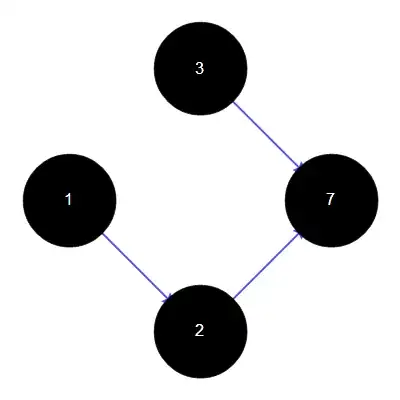
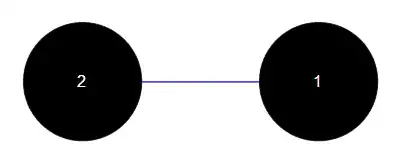
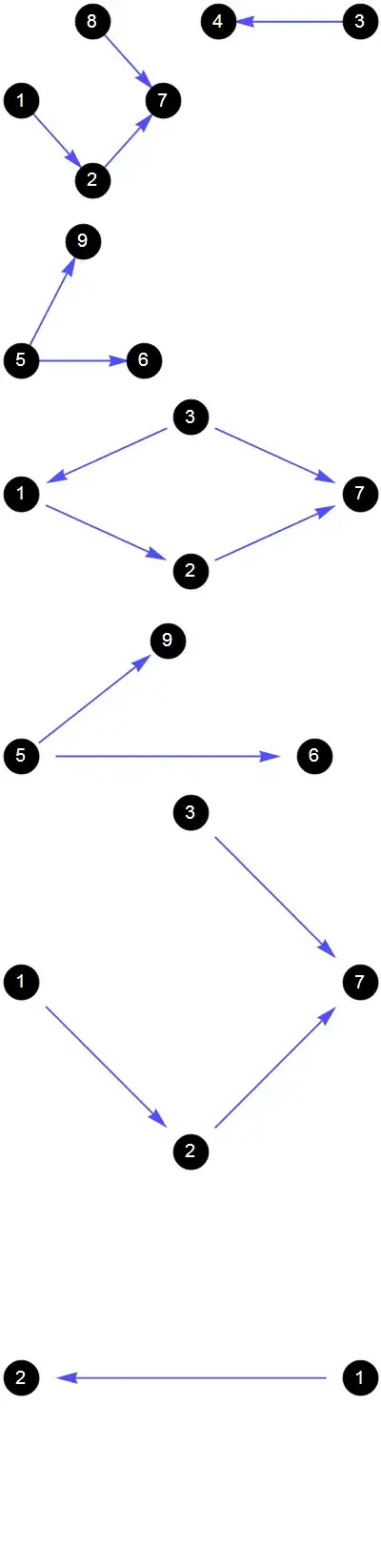
I defined an option to draw nicely the graph. But I have a problem with the different size obtained. For example, the layout of the first graph is what I want to have for all other graphs I will define later. But for smaller graphs, their vertices look biger and biger. It seems that there is a way to control this using Scale, but I don't want to adjust this for each graph I will have.

Is there a way to specify the size of vertices and edges once for all?

ef2[el_, ___] := {RGBColor[0, 0, 1], Thickness[1/200], Arrowheads[1/16], Arrow[el, 0.2]}

options = Sequence[VertexStyle -> Black, VertexSize -> 1/2,
VertexLabels -> Placed["Name", {Center, Center}], VertexLabelStyle -> Directive[16, White], 
GraphLayout -> "CircularEmbedding", EdgeShapeFunction -> ef2, ImageSize -> 400];

g = Graph[{1 -> 2, 2 -> 7, 8 -> 7, 3 -> 4, 5 -> 6, 5 -> 9}, options]
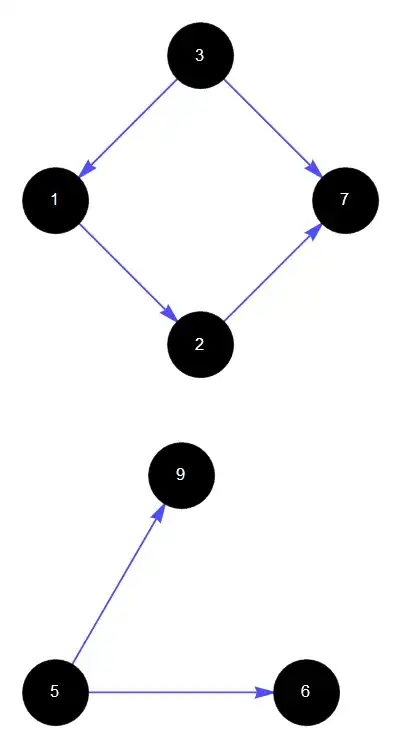
g = Graph[{1 -> 2, 2 -> 7, 3 -> 7, 3 -> 1, 5 -> 6, 5 -> 9}, options]
g = Graph[{1 -> 2, 2 -> 7, 3 -> 7}, options]
g = Graph[{1 -> 2}, options]

enter image description here enter image description here enter image description here enter image description here

Szabolcs
  • 234,956
  • 30
  • 623
  • 1,263
user565739
  • 1,119
  • 1
  • 9
  • 14

1 Answers1

5

I know of two methods to produce a fixed vertex size.

Scaled

Use Scaled for VertexSize and set AspectRatio -> 1:

options = Sequence[VertexStyle -> Black, VertexLabels -> Placed["Name", {Center, Center}],
    VertexLabelStyle -> Directive[16, White], GraphLayout -> "CircularEmbedding", 
   EdgeShapeFunction -> ef2, ImageSize -> 400, VertexSize -> Scaled[{0.1, 0.1}], 
   AspectRatio -> 1];

enter image description here

Offset

As demonstrated in How can I specify the arrowhead size in printers points? if you construct a Graphics expression using Offset coordinates it will be rendered at a fixed size.

vf[xy_, _, _] := {Red, Rectangle[Offset[{-1, -1} 15, xy], Offset[{1, 1} 15, xy]]}

options = Sequence[VertexStyle -> Black, VertexLabels -> Placed["Name", {Center, Center}],
   VertexLabelStyle -> Directive[16, White], GraphLayout -> "CircularEmbedding", 
   EdgeShapeFunction -> ef2, ImageSize -> 400, VertexShapeFunction -> vf];

enter image description here

Mr.Wizard
  • 271,378
  • 34
  • 587
  • 1,371