After I plot two concentric cylinder, I see that rotating the 3d object is not smooth and it's slow.
R1[i_] := {20.0*Cos[(2 Pi)/20 i], 20.0*Sin[(2 Pi)/20 i] , 6.0*(IntegerPart[i/(20 + 0.0000001)] + 1)};
R2[i_] := {30.0*Cos[(2 Pi)/20 i], 30.0*Sin[(2 Pi)/20 i] , 6.0*(IntegerPart[i/(20 + 0.0000001)] + 1)};


q1 = Graphics3D[Map[{Red, Sphere[#, 1.0]} &, Chop@Table[R1[i], {i, 1, 500}]]];
q2 = Graphics3D[Map[{Blue, Sphere[#, 1.0]} &, Chop@Table[R2[i], {i, 1, 500}]]];
Show[{q1, q2}]
Is there a way to make the rotation and interaction with the plot smoother and faster?
Antialiasing -> False doesn't work on Graphics3D.

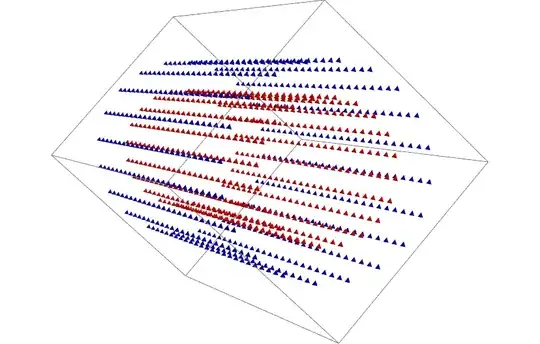


Spheresare tine you can switch toPoint. – Kuba Nov 24 '14 at 11:03