Outline style notebooks have cell counters that are simply ascending numbers, but what if I want to apply a function to them and have descending dates like this:
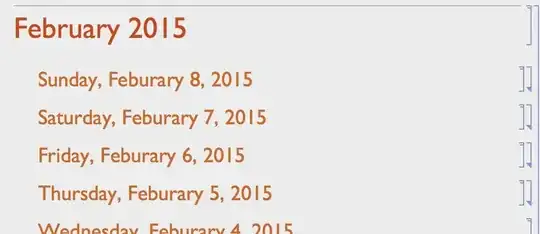
So that they auto format and the notebook is still usable (i.e. no crazy continuous dynamics), is this even possible?

Cell[CellGroupData[{Cell["Sunday, February 8 2015", "Section"],...grouped cells, convert the strings to absolute time, reorder and write back to the notebook. Unlikely to work if there are spelling errors such as in your screen grab since that will preclude any conversions from date strings to absolute time for sorting. – Mike Honeychurch Feb 08 '15 at 22:01