I am working on some teaching resources and pulled a whole bunch of images off the internet to illustrate the idea of "angle".
I can get Mathematica to import them and display them in a nice "collage", a kind of "preview" image with all the picture files.
dir = NotebookDirectory[];
picturedir = FileNameJoin[{dir, "Pictures"}];
pictlist = Import /@ FileNames[{"*.jpg", "*.png", "*.gif"}, {picturedir}];
GraphicsGrid[Partition[pictlist, 8], Frame -> All, ImageSize -> 800]
I have two questions.
First. When I partition the list, how can I get it to "pad" and simply leave a blank space in the grid if the number of images isn't a multiple of 8?
Second, the more important question. Could I make the GraphicsGrid "clickable", so I could click on the small image in my collage and have it open the full size image in another Mathematica notebook for better viewing?


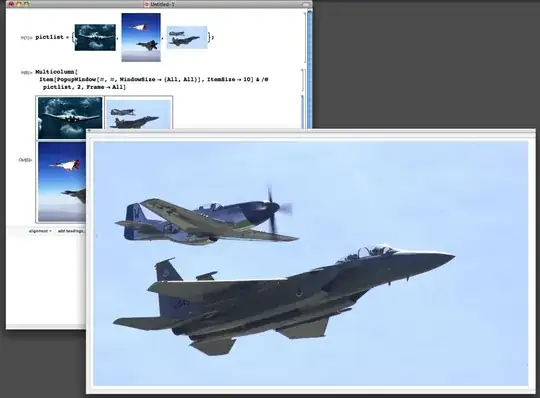

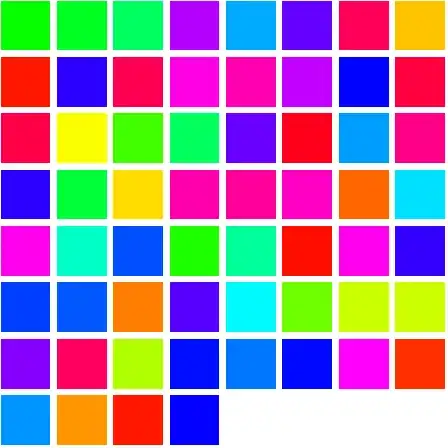

Partition[Range[20], 8, 8, 1, {}], I don't know why this isn't a default behaviour. – Kuba Mar 09 '15 at 14:57Buttoncould be useful: http://mathematica.stackexchange.com/a/2725/131. – Yves Klett Mar 09 '15 at 16:49PopupWindowdocs under Applications has an example of this. Just wrapGridaround the list. – Mike Honeychurch Mar 10 '15 at 00:59