My c:\windows\temp\ folder contains 18 GB which I seem unable to do anything about.
That's getting to be a problem because my SSD isn't that big (100 GB) and it's starting to become too much. I need to do regular manual cleanups to keep it from flooding. If I could free 18 GB the difference would be huge.
It's all system or temporary files, because my data is on a separate hard disk, so my cleaning options are (very) limited.
I found an old answer (CCleaner), but it's from 6 years ago, so it may no longer be the best option today.
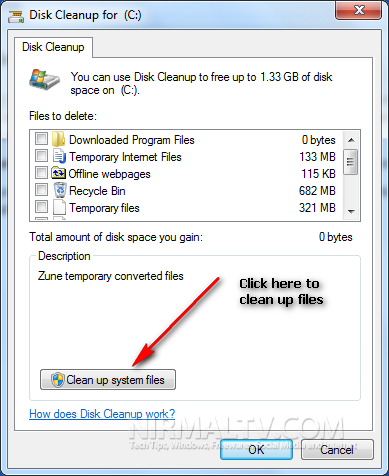
I tried the Windows 7 disk cleanup tool, regular and with 'clean up system files', but it detects only minimal amounts of disk space that can be cleared. Only about 200 MB was cleared that way, far too little.
Maybe the Windows 10 download issue is (a part of) the problem?
Any suggestions?
Edit regarding duplicate: I don't think this question is a duplicate because I specifically mention that I looked into older questions and found the one suggesting CCleaner. And, as I mention I don't know if it's still a reliable asset on today's systems.
Also, the Windows 10 download issue is ofcourse much more recent than 6 years, so I don't know if the tool in that answer can deal with it. (or if there's a solution at all).
It's not like I didn't do any effort before asking my question.