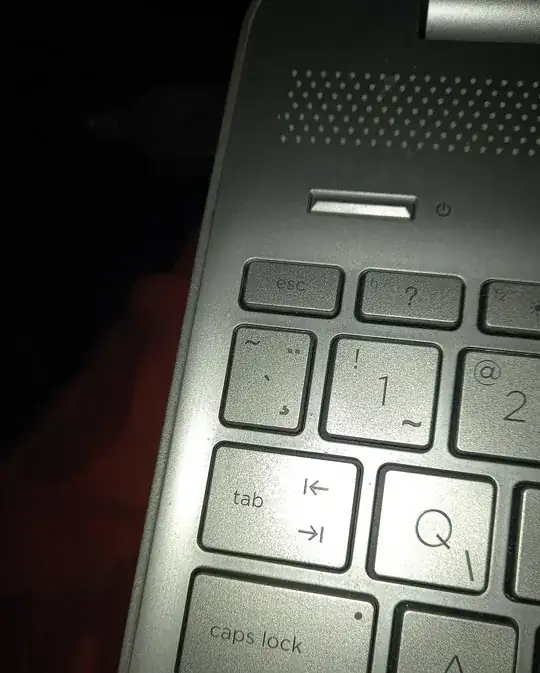
How can I change a key on my keyboard so that it produces a different character than what it was designed to produce? I find the Tilde key (the little key with ∼ above the Tab key) useless and I would like it to produce the n-dash (–) when I press it. I am not a programmer, so I would like a very dumbed-down explanation with steps. Thanks to anyone who makes their time to respond to this.
My operating system is Windows 10 and the language of the keyboard is Slovene.


¸, so have you tried remapping that instead? If it doesn't work directly, you'll just need to find the key code, which is described in many AHK tutorials. – Destroy666 Jan 18 '24 at 12:07