On my Mac, hitting Command-S (or using menu File, Save Page As...) works just fine. Likewise printing works fine using Command-P (or menu File, Print). On Windows that would be Ctrl-S and Ctrl-P then.
However, your screenshot is using a HTML <frameset>: one fixed upper frame with some Wiley information, and a lower frame with the PDF. Clicking "Open Frame in New Window" in the lower frame gets you a window with just the PDF, in which Ctrl-S will work. But hoping for an easier way, I created an example of such frameset that does not require one to log in. But in that example, in Chrome on a Mac, I have no clue how to avoid having to use "Open Frame in New Window" first. Like: clicking in the frame before hitting Ctrl-S or Ctrl-P does not tell my Chrome which part I want to save or print.
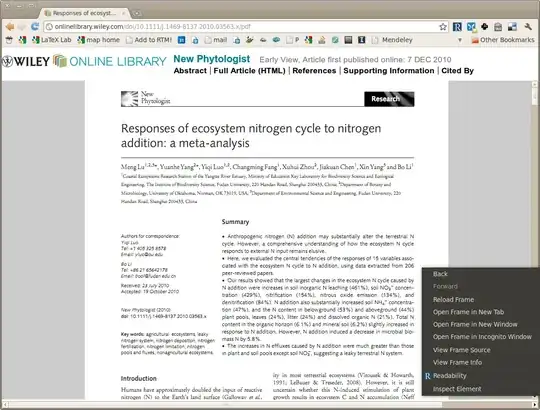


Is the pdf displayed in a frame? Try opening the frame in a new tab then save the file.
– ngen Dec 21 '10 at 17:02