Possible Duplicate:
Can't delete folder in Windows 7
Recently I updated Windows 7 and it seems to have left a folder on my download partition under the name of 'ed4d9301c862cbea71281a6acdc7'. Now when I try to delete this folder I get the following message:
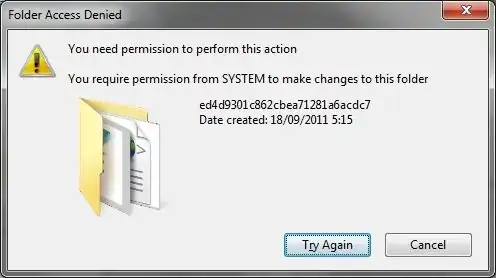
Now I am logged in as administrator and have full control in the Security tab. I also tried adding my username and giving myself full control over the folder as well. But nothing I tried so far has worked as it seems to be the case that only 'SYSTEM' can make changes to this folder. All this despite me having full control over this folder. Could anyone guide me into the right direction please because it seems to me I'm missing something here.
Edit: A Live CD is not an option as my DVD/CD reader/writer is not functional.


