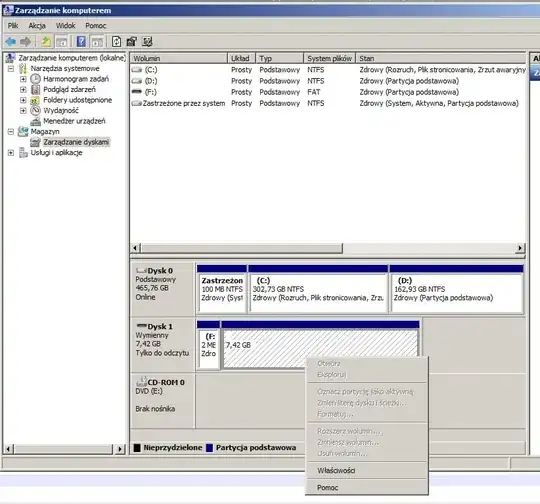
I have a canon camera from before 2011. I've made my 8GB card bootable in the camera by creating 2 partitions, boot partition of 2GB FAT16 and a FAT32 one with all the rest: photos, alternate firmware etc. I was using this procedure (specifically Method 1, Using a CHDK itself to make the SD card bootable.)
Now everything is fine and dandy, as long as I either plug the camera into the PC using Mini-USB cable (any OS) - I access the 2nd partition, or insert its SD card into an SD card reader in a Linux PC (I access both partitions).
The problem is when I want to read my photos using a PC with SD card reader. I see only the first partition. Picking disk manager shows all features concerning that partition disabled, and trying to pick "properties" results in message saying the view is out of date, and needs to be be refreshed. (of course picking the "refresh" task doesn't help.)
How do I access the second (CHDK-created) partition of such an SD card without using the camera?