2

I combine several PDFs with Adobe Acrobat Pro XI:
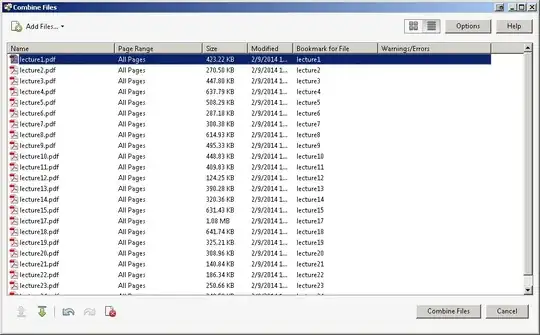
enter image description here

How can I combine several PDFs so that the first page of each PDF has an odd page number? (e.g. by inserting a blank page if needed at the end of PDFs that have an odd number of pages)

I didn't see anything in the options:

enter image description here

Franck Dernoncourt
  • 21,280
  • 51
  • 203
  • 349
  • Simplest way would be to create a PDF that is a blank page, then do a batch process on each file, inserting that same blank page in the same location ( after/before page 1 ) – Ramhound Mar 01 '14 at 01:42
  • Thanks but I'm looking for an automated solution:manually inserting blank pages when needed is a bit tedious if many documents to combine :) – Franck Dernoncourt Mar 01 '14 at 02:12
  • It wouldn't be manual. You would perform a batch process on every pdf file in a location. Adobe has this ability. – Ramhound Mar 01 '14 at 02:37
  • Thanks, sorry I had missed it. Is it possible to condition the insertion of the blank page on the parity of the number of pages of the file? – Franck Dernoncourt Mar 01 '14 at 04:34

1 Answers1

2

You can use PDFsam:

  • gratis
  • runs on Microsoft Windows, Mac OS X and Linux
  • portable version available (at least on Windows)
  • can add a blank page after each merged document if the document has an odd number of pages

enter image description here

Franck Dernoncourt
  • 21,280
  • 51
  • 203
  • 349
