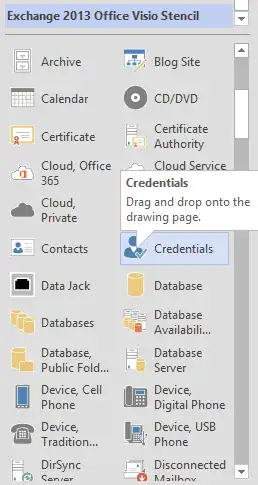
I downloaded these stencils for Microsoft Visio 2013 and opened them in the application. For each icon I drag into the page (see image one), it shows up blue (see image two). What am I doing wrong?

I think these are older shapes and weren't designed with theming in mind. Try applying 'No Theme' from the gallery on the Design ribbon tab, or, on a shape by shape (or Selection) basis, you can select the shape and click the 'Remove Theme' option on the Quick Styles drop-down (on the Home tab).

