When I type this in an email:
The pot boiled some time after I stopped watching it.
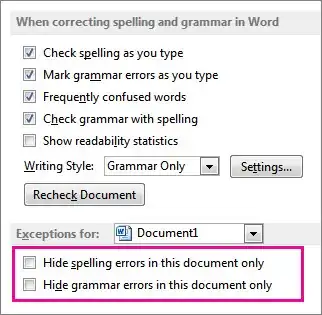
Outlook 2013 flags "some time" with a squiggly blue line, and suggests that I change it to "sometime". I have grammar checking turned off. If I turn off spelling suggestions the blue squiggly line disappears, but this is not a spelling error. (Spelling errors are normally highlighted with a red squiggly line.) It does not give me an "add to dictionary" option, and the same words can appear in other locations without getting the underline. For example:
I stopped watching some time before the pot boiled.
This does not get a blue squiggle. I think Outlook seems to be flagging it any time it sees the words "some time after".
I like to keep the spell-check enabled, because it's useful and the few false positives it generates can be fixed permanently by adding words to the dictionary. I don't like the grammar check because it is distracting and unpredictable - that's why I keep it turned off.
- What does the blue squiggly line mean?
- Can I disable this feature while keeping the spell-check enabled?