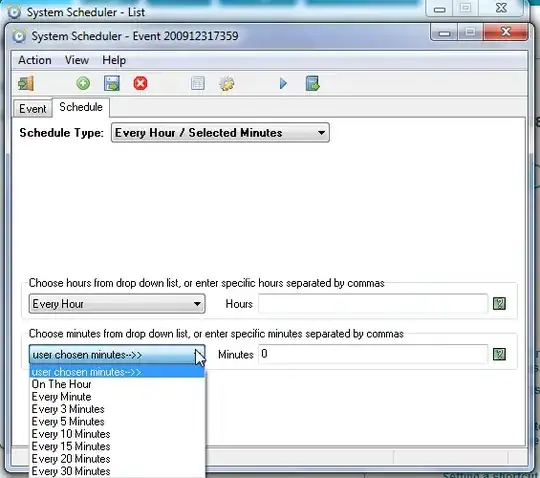
What's the best way on a Windows machine to run some sort of script every n minutes?
I've googled around and read that Windows Scheduler is best avoided.
What's the best way on a Windows machine to run some sort of script every n minutes?
I've googled around and read that Windows Scheduler is best avoided.

It would be helpful if you say what the problems are with Windows scheduler - It works VERY well and I would use it.
Simply go in to Task Scheduler / Scheduled Tasks and set up a new one, It is very easy to set and use.
If you say what version of Windows you are you using, I can post some pictures and further help.

If you are not satisfied with the GUI based task scheduler, schtasks.exe allows command-line finely controlled access to the Windows task scheduling framework. Excellent documentation is available on the Microsoft website:
https://docs.microsoft.com/en-us/windows/desktop/TaskSchd/schtasks