I write blog posts, and I often need to type en-dash (–) and sometimes em-dash (—) in my blog posts. Currently I keep these characters saved in a text file, and copy-paste them whenever I need them. Unnecessary to say, it is a headache to move between keyboard and mouse when you type large texts.
It would be better for me if there ware a keyboard shortcuts available for these two characters. Is there a way to type en-dash and em-dash in Windows? I use Windows 7 and Windows 8 in different computers.
Here's an aligned comparison of dashes, if you need to see the difference for some reason.
- Here's-dash
- Here's–en-dash
- Here's—em-dash


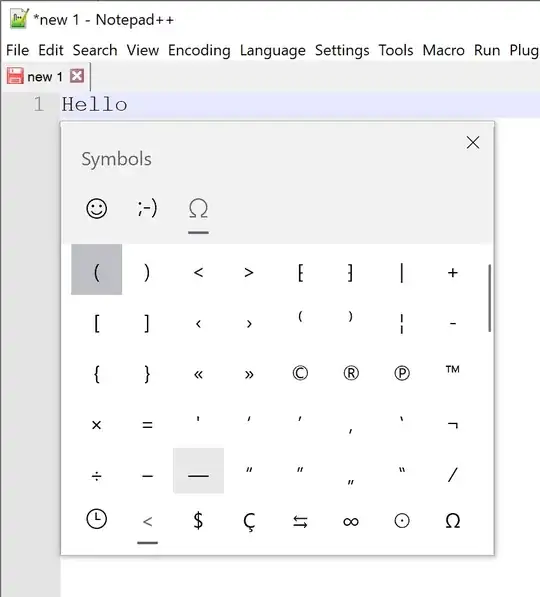

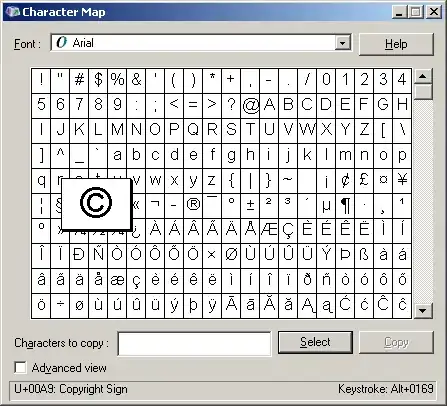


- Use Alt+Tab to switch between them
- Use the arrow keys to get to the dash you want
- Hold down Shift+Arrow key to highlight the dash
- Ctrl+C to copy
- Alt+Tab back to your document
- Ctrl+V to paste
– nstenz Sep 13 '14 at 22:48[hotkey]--.and em-dash[hotkey]---– Berend Aug 26 '16 at 06:39