According this answer in How do I delete a folder which is nested quite deep and avoid “File name too long”?, I created 1.bat file with following source:
@echo off
if not (%1)==() cd %1
for /D %%i in (*) do if not %%i==_ ren "%%i" _
pushd _
%0
popd
I put this file near the folder which I want to delete.
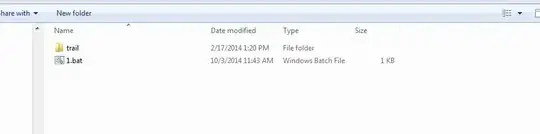
I click on 1.bat
and see following:
.....
Access is denied.
The system cannot find the path specified.
Access is denied.
The system cannot find the path specified.
Access is denied.
The system cannot find the path specified.
Access is denied.
The system cannot find the path specified.
Access is denied.
The system cannot find the path specified.
Access is denied.
....
What do I wrong?


C:\Windows\System32when running it as administrator. – Vinayak Oct 03 '14 at 08:07Full Controlin theAccesscolumn for the Principal you're a member of (e.g.COMPUTERNAME\Administrators) – Vinayak Oct 03 '14 at 08:56Authenticated UsershaveFull Controlprivileges. It doesn't show the privileges for theAdministratorsgroup. However, assuming you got it right, try running the script again (not as Administrator). If you still see the "Access is denied" error, it could mean you haven't yet properly taken ownership. Alternatively, try running the command prompt as Administrator and follow this guide to take ownership of folders recursively. – Vinayak Oct 03 '14 at 09:11