I am aware of the existence of the package wrapfig and features to shape text more sophisticatedly (also this). My question aims for some advanced tool to be used with them:
Is there a workflow to have shapes in images recognized ?
(1) compare comments and edit
Afterwards, how do I make this information accessible in LaTeX ?
Ultimately I would like to have pictures with white or transparent areas as background. The lesser requirements to the 'background'-part in the image do it, the better.
These edges should be detected and be made available in some way (eg. TikZ-nodes).
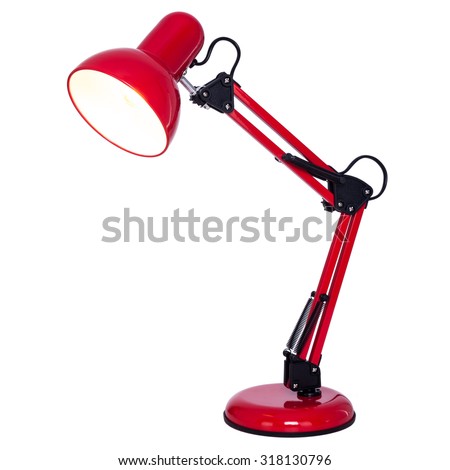
An obvious usage would be to have text flow around the content of an image nicely - imagine eg. a product shot of a lamp on the right of ones text. (1)
edit:
(1) After looking at pullquotes (mentioned in the comments by Torbjørn T.) I must say it seems to be covering all needs with picture inserts.
Apparently it is using ImageMagick's edge-detection:
  [...]
  \edef\@tmp
  {%
    convert \img@pq\space -resize \strip@pt\@tempdima x\strip@pt\@tempdimb! -bordercolor white -border 10x10 -morphology Erode Disk:10.3 -resize
    \number\objrows@pq x\number\objlines@pq! -black-threshold
    95\@percentchar\space-monochrome \img@pq.pqshape.txt
  }%
  \immediate\write18{\@tmp}%
  [...]
However, it is still unclear to me how this data is passed on to LaTeX and if this can be used in other ways (eg. TikZ-nodes).

pullquoteslooks very interesting! It probably covers any text-flow wish. I have not yet read all of the content, but off the top of my head this questions strikes: Does this integrate with eg. TikZ such that I could work further with the shape inside LaTeX ? – BadAtLaTeX Jun 24 '17 at 22:01convert \img@pq\space [...] -bordercolor white -border 10x10 [...]but am unable to determine how it's then passed to (La)TeX; obviously it's not using TikZ-nodes at that point. Thank you for pointing out these related posts though! – BadAtLaTeX Jun 27 '17 at 07:09convertis stored in, I think,pq-duck.pdf.pqshape.txt, for example. This specifies, I think, what is essentially a kind of mask for the image. (Not exactly a mask, but more like a mask without holes.) But what do you want to turn it into TikZ nodes for? – cfr Jun 27 '17 at 22:40