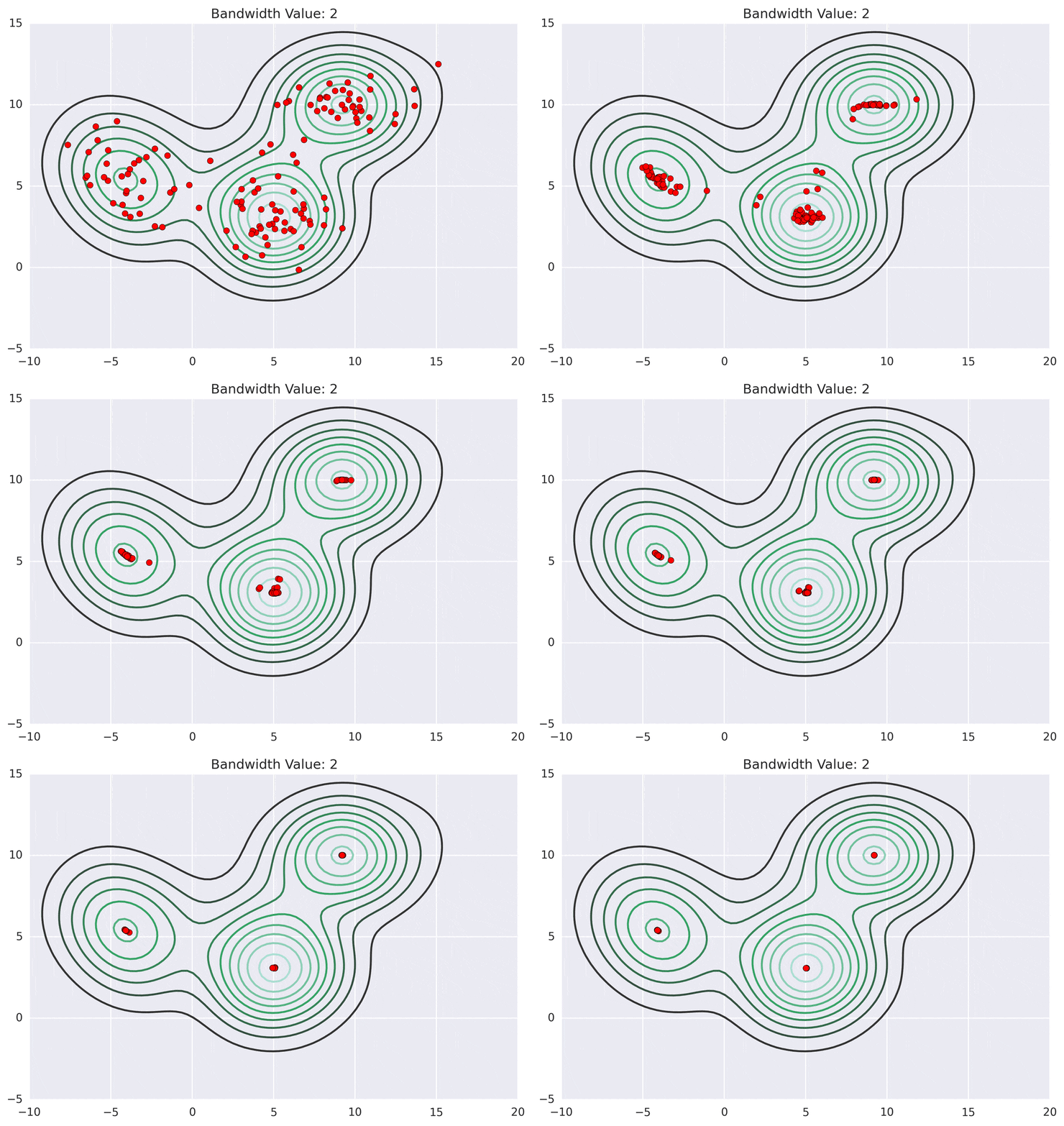
The PDF file format does not support animated and static GIFs as direct embeds. For PDF you will need to split an animated GIF into a PNG sequence and follow, for example, instructions given in Getting Gif and/or moving images into a LaTeX presentation .
However, the SVG format allows animated GIFs to be directly embedded in SVGs. SVG can be produced from TeX input by means of latex and dvisvgm. The SVG file can be opened and displayed in a WEB browser.
Click and press F11 to put the Web browser to full-screen:

Commands for producing SVG
latex file.tex
latex file.tex
dvisvgm --zoom=-1 --font-format=woff file.dvi
For every GIF to be embedded, the bounding box information must be provided by the user in an .xbb file. In the example code, ms_2d_bw_2.xbb is written by means of the filecontents environment. Also, a GIF embedding rule must be defined, such that the graphicx package knows how to deal with remote (online) GIF files.
The latex input:
\documentclass[dvisvgm]{beamer}

%Graphics rule for Web-located Gifs (use local .xbb file and prepend base URL)
\DeclareGraphicsRule{.gif}{bitmap}{.xbb}{https://spin.atomicobject.com/wp-content/uploads/#1}

% write auxiliary file with BoundingBox information
%
%   %%BoundingBox 0 0 <width in pixels> <height in pixels>
%
\begin{filecontents*}{ms_2d_bw_2.xbb}
%%BoundingBox: 0 0 1013 715
\end{filecontents*}

\begin{document}
\begin{frame}{Animated Gif}

\includegraphics[width=0.8\linewidth]{ms_2d_bw_2.gif}

\end{frame}
\end{document}