Add the package tikz and use xshift and yshift to move the image.
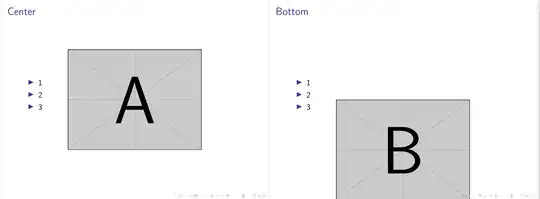
There are many other alternatives but this one has a very easy to understand code.
In the first frame the center of the image (A) coincides with the center of the frame, so xshift and yshift are equal to 0cm.
In the second frame the image (B) --with a height of 0.5\paperheight-- is shifted 0.25\paperheight down and touches the bottom.
\documentclass{beamer}
\usepackage[T1]{fontenc}
\usepackage{graphicx}
\usetheme{default}
\usepackage{tikz} % added <<<<<<<<<<<<<<<<
\usepackage{kantlipsum} % dummy text not needed
\begin{document}

    {\usebackgroundtemplate{%
        \begin{tikzpicture}[remember picture,overlay]
            \node [xshift=0cm,yshift=0cm] at (current page.center){\includegraphics[height=0.5\paperheight, keepaspectratio]{example-image-a}};
        \end{tikzpicture}
                                }%
    \begin{frame}{Center}
        \begin{itemize}
            \item 1
            \item 2
            \item 3
        \end{itemize}
    \end{frame}
}

    {\usebackgroundtemplate{%
        \begin{tikzpicture}[remember picture,overlay]
            \node [xshift=0cm,yshift=-0.25\paperheight] at (current page.center){\includegraphics[height=0.5\paperheight, keepaspectratio]{example-image-b}};
        \end{tikzpicture}
            }%

    \begin{frame}{Bottom}
        \begin{itemize}
            \item 1
            \item 2
            \item 3
        \end{itemize}
    \end{frame}
}

{\usebackgroundtemplate{%
    \begin{tikzpicture}[remember picture,overlay]
        \node [xshift=-0.1\paperheight,yshift= 0.12\paperheight] at (current page.south east){\includegraphics[height=0.16\paperheight, keepaspectratio]{example-grid-100x100pt}};
    \end{tikzpicture}
}%

\begin{frame}{Bottom right}
\kant[9]
\end{frame}
    }

\end{document}
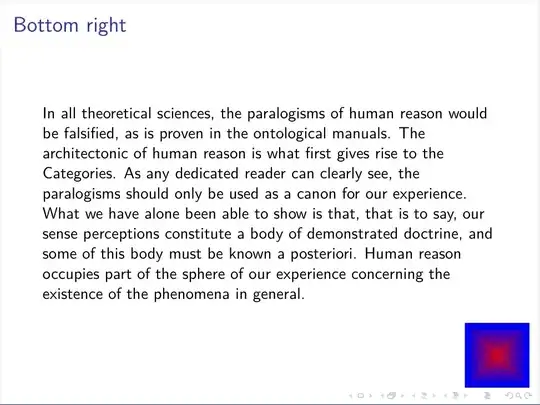
Here, the center of a smaller image is set in the lower right corner of the frame, so it needs to be moved to the left and up.
See more examples in Positioning relative to page in TikZ


