- Your question is not clear at all... :
- how should
enumerate influence on figure,
- are you aware that float
figure can move out of enumerate or at least to some other item? Is this your problem?
- which package you use for
\subfloat,
- why
\subfloat should in inside of \minipages,
- what result you expected,
- etc.
A simple example how can be written your code fragment is (without bothering with eventual problems with inserting figures into enumerate environment):
\documentclass{article}
%--------------- show page layout. don't use in a real document!
\usepackage{showframe}
\renewcommand\ShowFrameLinethickness{0.15pt}
\renewcommand*\ShowFrameColor{\color{red}}
%
\usepackage{lipsum}                             % for dummy text
%---------------------------------------------------------------%
\usepackage[demo]{graphicx}
\usepackage{subcaption}
\begin{document}
\begin{enumerate}
\item Consider the two figures given below,
    \begin{figure}[!h]
    \centering
    \setkeys{Gin}{width=\linewidth}
\begin{subfigure}{0.4\linewidth}
    \includegraphics{Figures/Figure_1.png}
    \caption{Figure 1 title.}

    \label{Figure_1}
\end{subfigure}
    \hfil
\begin{subfigure}{0.4\linewidth}
    \includegraphics{Figures/Figure_1.png}
    \caption{Figure 2 title.}
    \label{Figure_2}
\end{subfigure}
        \caption{Common title for figure \ref{Figure_1} and figure \ref{Figure_2}.}%
        \label{fig:fig:power_response}
    \end{figure}
\end{enumerate}
\end{document}
where instead of minipage is used subfigure environment defined in the subcaption package. This MWE (Minimal Working Example) produce:
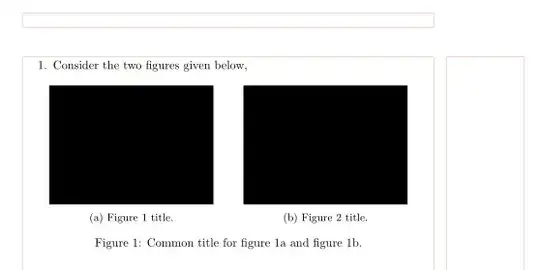
(red lines indicate part of page layout)
If you prefer to use of subfloat environment, you still can use subcaption package, but it should be of version 1.3 or newest. In this case the MWE body is:
\begin{document}
\begin{enumerate}
\item Consider the two figures given below,
    \begin{figure}[!h]
    \centering
    \setkeys{Gin}{width=0.4\linewidth}
\subfloat[Figure 1 title.   \protect\label{Figure_1}]%
    {\includegraphics{Figures/Figure_1.png}}
    \hfil
\subfloat[Figure 2 title.   \protect\label{Figure_2}]%
    {\includegraphics{Figures/Figure_2.png}}
\caption{Common title for figure \ref{Figure_1} and figure \ref{Figure_2}.}%
\label{fig:fig:power_response}
    \end{figure}
\end{enumerate}
\end{document}
Result of compilation is the same as before.
However, Use of minipages has sense when you like to have two parallel figures in one figure environment. In such cases, the MWE body can be
\begin{document}
\begin{enumerate}
\item Consider the two figures given below,
    \begin{figure}[!h]
    \centering
    \setkeys{Gin}{width=\linewidth}
\begin{minipage}{0.4\linewidth}
    \includegraphics{Figures/Figure_1.png}
    \caption{Figure 1 title.}
    \label{Figure_1}
\end{minipage}
    \hfil
\begin{minipage}{0.4\linewidth}
    \includegraphics{Figures/Figure_1.png}
    \caption{Figure 2 title.}
    \label{Figure_2}
\end{minipage}
    \end{figure}
\end{enumerate}
\end{document}
Here you should be aware, the common caption for both figures now has no sense, so it is here drop out. Compilation result is:
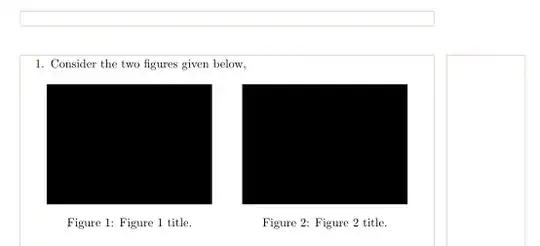
So, still remains the main problem: what you after? Let us know!


figureenvironment is to mark the content as not part of the document flow but an insert that can float and be inserted elsewhere sofigurenormalises margins, fonts, and some other settings to ensure they are not inherited from the position in the source. – David Carlisle Jun 30 '22 at 07:14