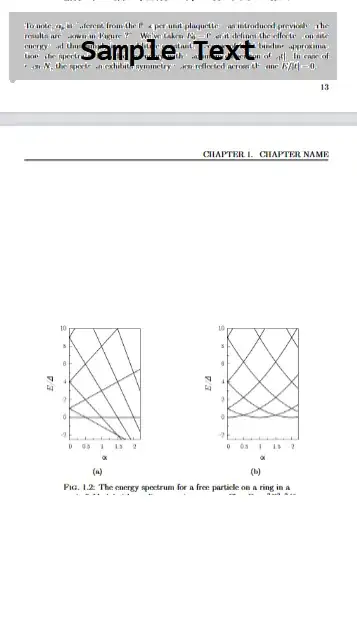
I am trying to set up the figure float in such a way that if there in not enough space after the text in that page, it goes to the top of the next page. Then the text after that float is written in the available space and so on. So I've tried [!ht]. and it works when there is sufficient text available to go below the figure. BUT if there is no text after the figure, the figure goes the middle of the page irrespective of the specifier t !t. How to resolve this, such that even if there is no text after the figure, the figure remains at the top of the page.
I have tried \afterpage but it did not work.
I am pasting the figure block in my code for consideration.
(Also, If there is a better way to resize the subfigures keeping their aspect ratio, please let me know)
\begin{figure}[!ht]
\centering
\begin{subfigure}{0.48\textwidth}
\centering
   \adjincludegraphics[height=2.8in, keepaspectratio]{images/example-image1.png}
   \caption{}
   \label{label1}
\end{subfigure}
\hfill
\begin{subfigure}{0.48\textwidth}
\centering
   \adjincludegraphics[height=2.8in, keepaspectratio]{images/exmaple-image2.png}
   \caption{}
   \label{label2}
\end{subfigure}
\captionsetup{width=0.85\textwidth, justification=centering}
\caption{The Caption}
    \label{fig:label}
\end{figure}
I am attaching the images for the two cases mentioned (1)1with no text after the fig, (2) 2with text after the fig.


\includegraphicskeeps the aspect ratio by default, unless you specify both the width and the height. [keepaspectratio] is used to decide which specification is smaller. – John Kormylo Jul 13 '23 at 13:26