You could use the ex-mode command to run a program, :!, and tell it to run context with the current file as input (%). That is, in full:
:!context %
This will run ConTeXt on the file, and show the compilation information in a split Vim buffer.
To open the produced PDF file in Skim, you can issue:
:!open -a Skim %:r.pdf
On consequent compilations, Skim will detect that the file has changed, and ask you if you would like to always automatically reload the rewritten document. You can then make changes to the tex-document, save with :w, and re-compile with :, pressing the up-arrow to list command history. Now Skim should automatically show the recompiled version without asking anything.
MacVim has an option to compile the document with a keyboard shortcut (⌘B), but this seems a bit complicated to set up to use with (any-)TeX.
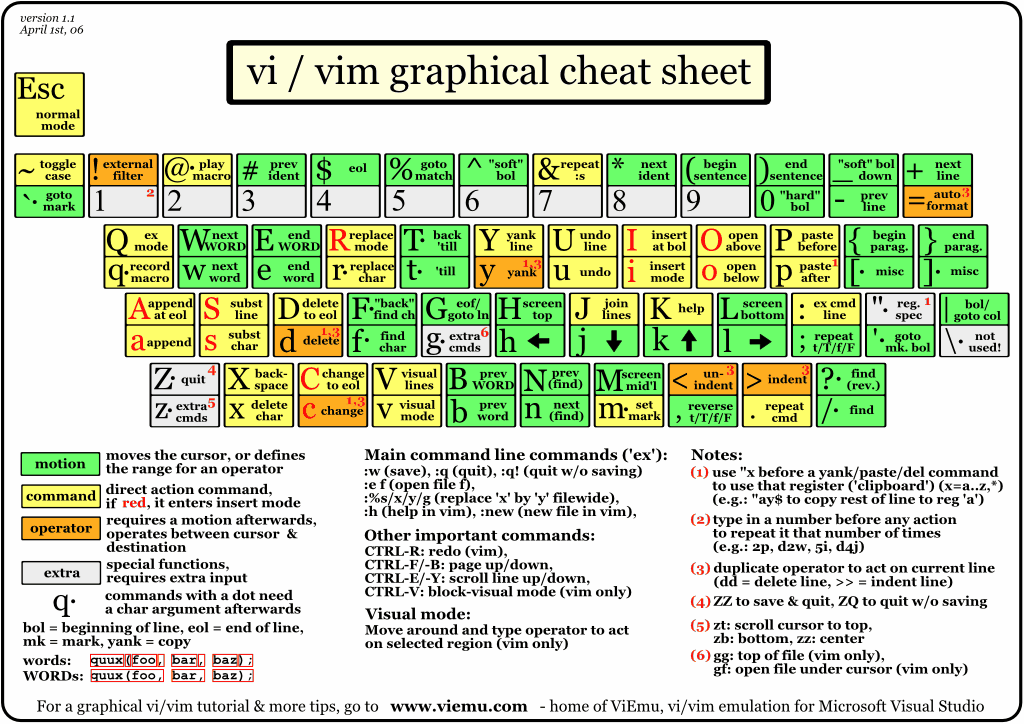
For general Vi(m) usage, there is a handy cheat sheet here.


au FileType context nnoremap <buffer> <leader><leader> :w<cr>:!context --purge "%"<cr><cr>. What else do you need? – Marco May 07 '13 at 08:03:!context %, no trickery needed. Also you might want to take a look of Paulo's excellent tips for vim. – morbusg May 07 '13 at 08:08:set makeprg=context --batch $*would allow you use:maketo compile the file. – Aditya Oct 30 '13 at 17:40