This answer requires lualatex and imagemagick or a similar program. You must convert your color pictures to .ppm and the greyscale ones to .pgm, which are very easy to work with. You can use these commands to keep the aspect ratio:
convert -compress none -resize ___OutputWidth___ ___InputFile___ ___output___.ppm
convert -compress none -resize ___OutputWidth___ ___InputFile___ ___output___.pgm
Warning: it's a long process and it will take a lot of time with large images.
Here's the code:
asciiart.tex
\documentclass{article}
\usepackage{luacode}
\usepackage{xcolor}
\usepackage{graphicx}
\directlua {require "asciiart"}
\newcommand\bwascii[1]{\directlua{bwascii("#1")}}
\newcommand\colorascii[1]{\directlua{colorascii("#1")}}
\newcommand\bwframe[1]{\vspace{\fill}\bwascii{#1}\vspace{\fill}\newpage}
\newcommand\colorframe[1]{\vspace{\fill}\colorascii{#1}\vspace{\fill}\newpage}
\begin{document}
\ttfamily\frenchspacing
\newlength{\correctem}\settowidth{\correctem}{M}%to set the size of the minipage
\newlength{\correctex}\settowidth{\correctex}{x}%to set the line height
\pagestyle{empty}\centering
\colorframe{lenna_128x128.ppm}
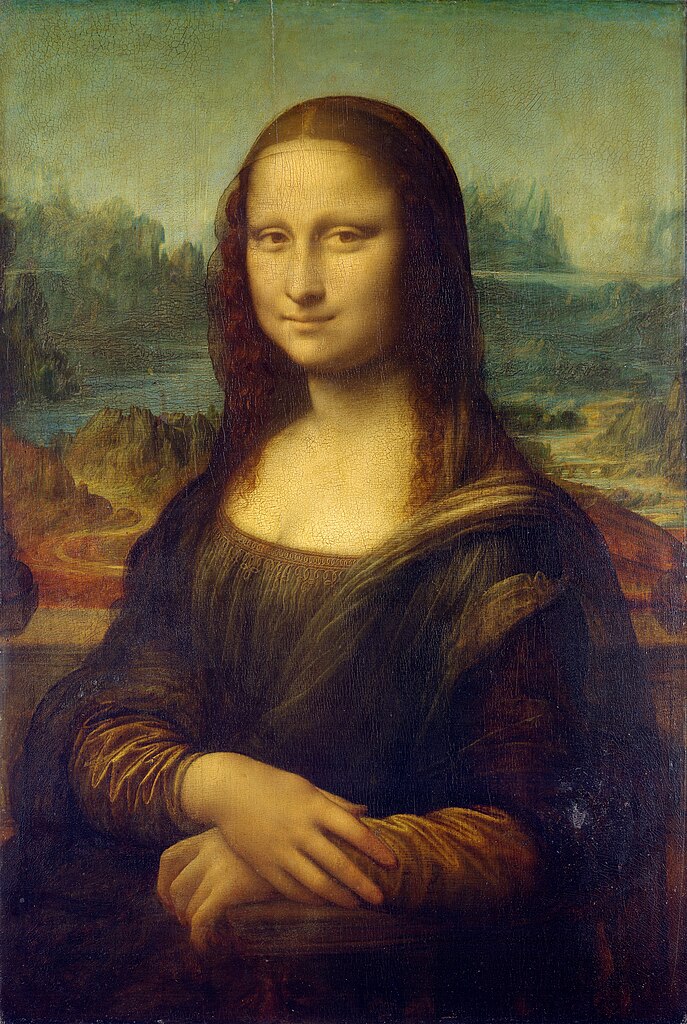
\colorframe{lisa_150x224.ppm}
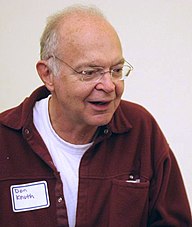
\colorframe{knuth_192x227.ppm}
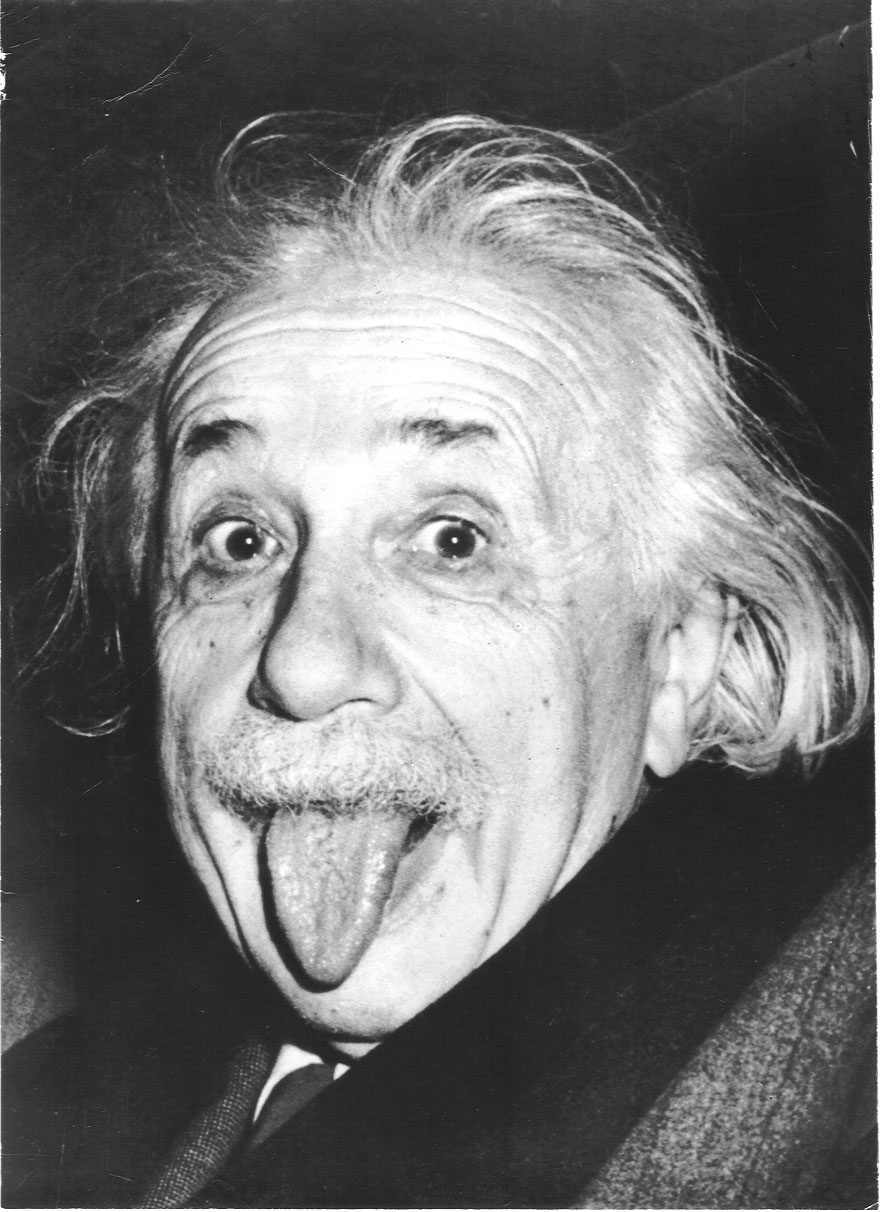
\bwframe{einstein_150x206.pgm}
\end{document}
asciiart.lua
colorascii = function ( picture )
  -- read a picture in .ppm format
  local file = io.open(picture, "r")
  if file==nil then
    tex.sprint("file not found")
    return
  end
  local arr = {}
  for line in file:lines() do
    if line:sub(1,1)~="#" then--if line starts with # don't insert it
      table.insert(arr,line);
    end
  end
  file:close()
  if arr[1]~="P3" then
    tex.sprint("i don't like this file")
    --TODO: implement moar ways to detect if the file is corrupt
    return
  end
  local sizes = {}
  for i in string.gmatch(arr[2],"%d+") do
    table.insert(sizes,i)
  end
  local xsize = tonumber(sizes[1])
  local ysize = tonumber(sizes[2])
  table.remove(arr,1)--remove "P3"
  table.remove(arr,1)--remove sizes
  table.remove(arr,1)--remove maxval and assume no value is bigger than 255
  colors = ""
  for k,v in pairs(arr) do
    colors = colors..v.." "
  end
  colors = string.gsub(colors, " +", " ")
  --now all our picture is in a single string
  rgb = {}
  for i in string.gmatch(colors,"%d+ %d+ %d+") do
    temp = {}
    for j in string.gmatch(i, "%d+") do
      table.insert(temp,j)
    end
    table.insert(rgb, temp)
  end
  tex.sprint("\\noindent\\resizebox{\\textwidth}{!}{")
  tex.sprint("\\noindent\\begin{minipage}{"..xsize.."\\correctem}\\setlength\\baselineskip{1\\correctex}\\setlength\\lineskip{0pt}\\setlength\\prevdepth{0pt}")
  for i = 1,#rgb do
    tex.sprint("\\definecolor{mycolor}{RGB}{"..rgb[i][1]..","..rgb[i][2]..","..rgb[i][3].."}\\textcolor{mycolor}x\\hspace{0pt}")
  end
  tex.sprint("\\end{minipage}}")
end
valchar = function (val)--takes an integer from 0 to 255 and returns a character
  val = tonumber(val)
  valuetable = {"\$","B","Q","Y","v","~","."," "}--return darker characters for darker values
  return valuetable[math.floor(val/32)+1]
end
bwascii = function ( picture )
  local file = io.open(picture, "r")
  if file==nil then
    tex.sprint("file not found")
    return
  end
  local arr = {}
  for line in file:lines() do
    if line:sub(1,1)~="#" then
      table.insert(arr,line);
    end
  end
  file:close()
  if arr[1]~="P2" then
    tex.sprint("i don't like this file")
    return
  end
  local sizes = {}
  for i in string.gmatch(arr[2],"%d+") do
    table.insert(sizes,i)
  end
  local xsize = tonumber(sizes[1])
  local ysize = tonumber(sizes[2])
  table.remove(arr,1)
  table.remove(arr,1)
  table.remove(arr,1)
  greys = ""
  for k,v in pairs(arr) do
    greys = greys..v.." "
  end
  greys = string.gsub(greys, " +", " ")
  value = {}
  for i in string.gmatch(greys,"%d+") do
    table.insert(value, i)
  end
  tex.sprint("\noindent\resizebox{\textwidth}{!}{")
  tex.sprint("\noindent\begin{minipage}{"..xsize.."\correctem}\setlength\baselineskip{1\correctex}\setlength\lineskip{0pt}\setlength\prevdepth{0pt}\leavevmode")
  for i = 1,#value do
    tex.sprint("\smash{"..valchar(value[i]).."}\hspace{0pt}")
  end
  tex.sprint("\end{minipage}}")
end
Sample output (download the pdf to zoom in):

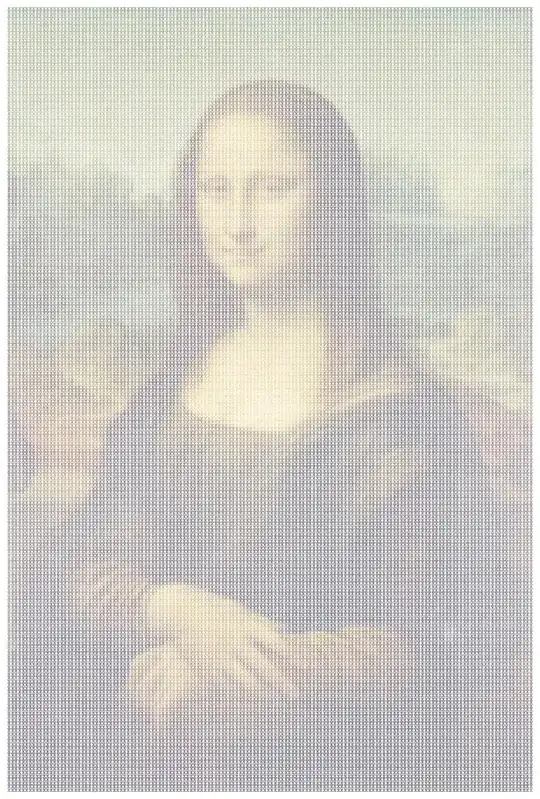


Warning: with large images it may take way longer than what you expect.
These are the original pictures: lenna, lisa, knuth, einstein.
Converted to .ppm/.pgm in case you don't want to install imagemagick: lenna, lisa, knuth, einstein.
While this may not be exactly what you wanted (the raven, the change the font size and thickness...), it's a start. As far as I know there are no other ways to generate ascii art with latex.


.png)
shapeparpackage. – rigor Jun 06 '14 at 08:40shapeparthe best way forward then? If I knew that, then I obviously wouldn't phrase the question in the way that I did. I'm not trying to be lazy, I just need some pointers in the right direction. (And when I said 'you' to LaRiFaRi, I wasn't refering to him/her specifically but more a general 'you' (which could include me). – rigor Jun 06 '14 at 09:11\shapepar(insert image between text) – Werner Jun 07 '14 at 17:51