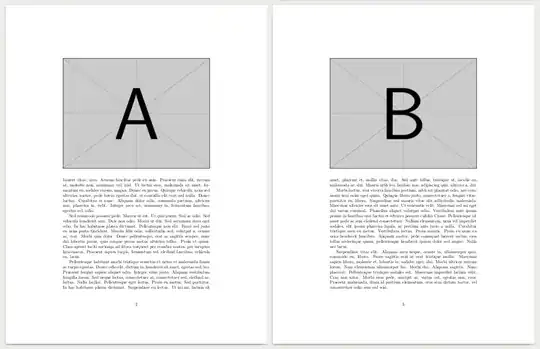
Assuming that you want two big images at the top of each page, and there are not previous unprocessed floats, you only need two floats with the [t] option. Placements of floats do not need precision shooting: Both can be inserted at some point in the previous odd page or the even page. This way, you avoid disrupting the flow of text with commands like \clearpage .
\documentclass{article}
\usepackage{lipsum} % for dummy text
\usepackage{graphicx}
% \setcounter{topnumber}{1}
% \renewcommand{\topfraction}{0.3}
\begin{document}
\lipsum[1-5]% dummy text
\begin{figure}[t]
\includegraphics[width=1\linewidth]{example-image-a}
\end{figure}
\begin{figure}[t]
\includegraphics[width=1\linewidth]{example-image-b}
\end{figure}
\lipsum[6-14] % more dummy text
\end{document}
For smaller images, by default both images will be moved to the top of the even page, but you can limit the number of top images with the topnumber counter, or limit the space for top images with some like \renewcommand{\topfraction}{0.3}.
Instead, if the floats are placed at the end of the document because are too big for LaTeX rules, increase \topfraction and reduce \textfraction with the same method.


\documentclassand end with\end{document}. Click on the link for some examples on how to do this with Lorem Ipsum text andmweimages... – Werner Dec 18 '14 at 18:42