I am using stock book template and would like to create a dedication page. I have used this answer to align the text vertically and my current code is the following:
\cleardoublepage
\vspace*{\stretch{3}}
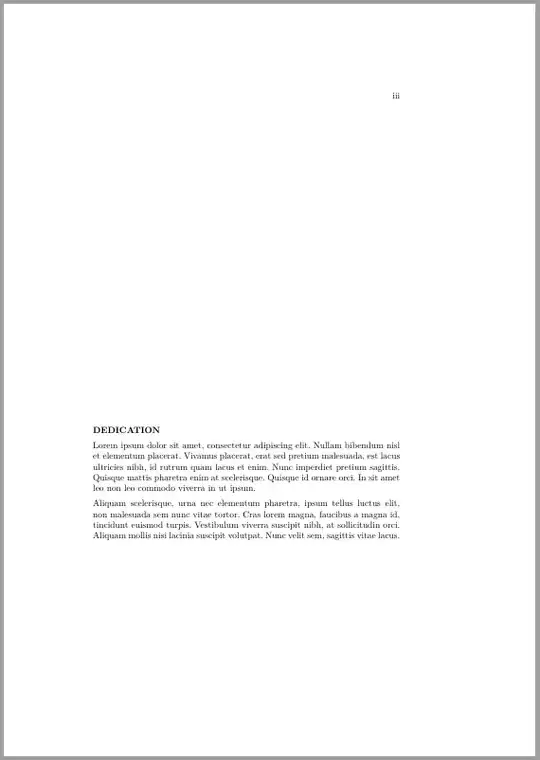
\textbf{DEDICATION}

Lorem ipsum dolor sit amet, consectetur adipiscing elit. Nullam bibendum nisl et elementum placerat. Vivamus placerat, erat sed pretium malesuada, est lacus ultricies nibh, id rutrum quam lacus et enim. Nunc imperdiet pretium sagittis. Quisque mattis pharetra enim at scelerisque. Quisque id ornare orci. In sit amet leo non leo commodo viverra in ut ipsum.

Aliquam scelerisque, urna nec elementum pharetra, ipsum tellus luctus elit, non malesuada sem nunc vitae tortor. Cras lorem magna, faucibus a magna id, tincidunt euismod turpis. Vestibulum viverra suscipit nibh, at sollicitudin orci. Aliquam mollis nisi lacinia suscipit volutpat. Nunc velit sem, sagittis vitae lacus.
\vspace{\stretch{1}}
\clearpage
The code produces this page
Now, what I would like to do is to add some left padding to the text (say 3 or 4 cm). I have made an extensive search and have found no easy way to do it. Is this really that complicated?


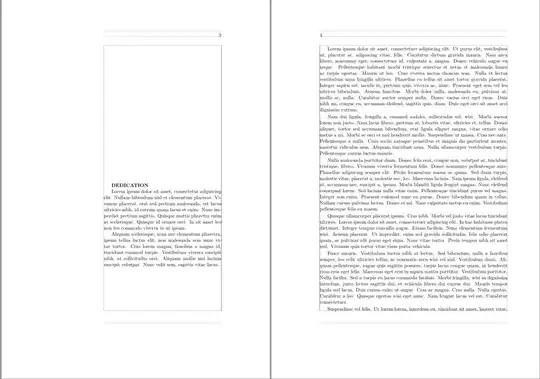


bookclass, that I use, is two--sided by default, and I have no problem. Wich class of document do you use? Geometry might interfere with it. – Bernard May 25 '15 at 09:59\documentclass[a4paper]{book}. The dedication page appears on the right-hand side, but the margins are as the left-hand side. – alesc May 25 '15 at 10:01\leftskip. – Bernard May 25 '15 at 10:13\leftskipworked. Regarding the margins: the dedication page is on the right side. It's outer (right) margin is the same as the inner (right) margin on other left-side pages. So it does not look like a right side page, although it is displayed on the right-hand side. – alesc May 25 '15 at 10:32geometrysolution. It's corrected now. – Bernard May 25 '15 at 10:54