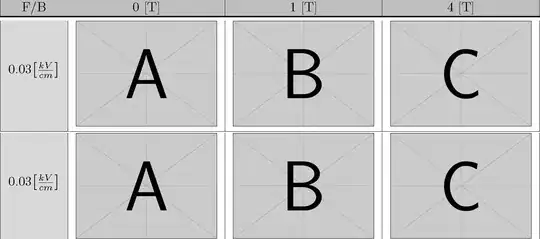
One solution is to determine the height of the picture and use \raisebox to lift the text half way. The other is to use \raisebox on every picture to center the baseline.
For graphics, \raisebox is better than \parbox.
\documentclass{article}
\usepackage{xcolor}
\usepackage{graphicx}
\usepackage{array}
\usepackage{colortbl}
\usepackage{booktabs}

\newlength{\tempdima}

\newcommand{\vcgraphics}[1]% #1 = filename
{\raisebox{-0.5\height}{\includegraphics[width=38mm]{#1}}}

\newcolumntype{a}{>{\columncolor{gray!30}} c}
\begin{document}

\begin{figure}
\settoheight{\tempdima}{\includegraphics[width=38mm]{example-image}}% get image height
\centering
\begin{tabular}[!htb]{|a|c|c|c|  }
\hline
\rowcolor{gray!50}
F/B & 0 [T] & 1 [T] & 4 [T] \\
\toprule
\raisebox{0.5\tempdima}{0.03$\left[{\frac{kV}{cm}}\right]$}
&\includegraphics[width=38mm]{example-image-a}&\includegraphics[width=38mm]{example-image-b} &
\includegraphics[width=38mm]{example-image-c}\\
\hline \addlinespace[1pt]
0.03$\left[{\frac{kV}{cm}}\right]$
&\vcgraphics{example-image-a}&\vcgraphics{example-image-b} &
\vcgraphics{example-image-c}
\end{tabular}
\end{figure}

\end{document}