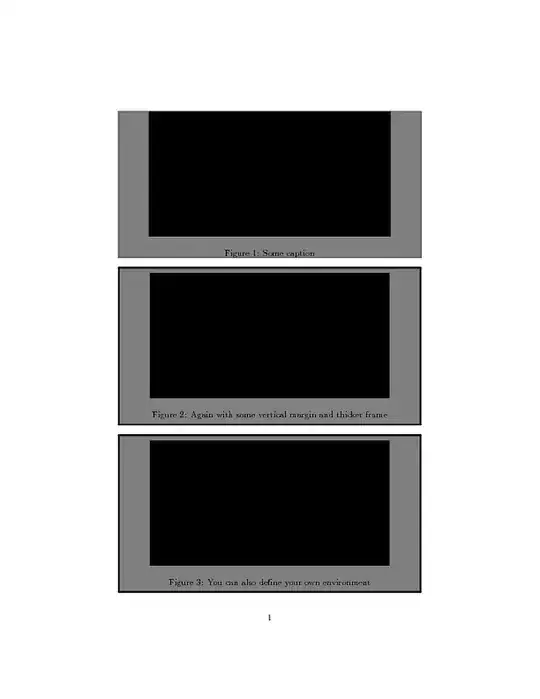
You could use the adjustbox package/environment to draw a gray background and a frame around it. Either add an adjustbox environment to every figure or define your own environment as shown below:
\documentclass{article}
\usepackage[demo]{graphicx}% 'demo' in order to not require actual files to compile this example

\usepackage{xcolor}
\usepackage{adjustbox}

\begin{document}

\begin{figure}
\begin{adjustbox}{minipage=\linewidth-2\fboxrule,bgcolor=gray,frame}
    \centering
    \includegraphics[width=.8\linewidth,height=5cm]{file}
    \caption{Some caption}
\end{adjustbox}
\end{figure}

\begin{figure}
\begin{adjustbox}{minipage=\linewidth-4pt,margin=0pt 5pt,bgcolor=gray,frame=2pt}
    \centering
    \includegraphics[width=.8\linewidth,height=5cm]{file}
    \caption{Again with some vertical margin and thicker frame}
\end{adjustbox}
\end{figure}


% This should actually go to the preamble:
\newenvironment{myfigure}[1][tbhp]{%
    \begin{figure}[#1]%
    \begin{adjustbox}{minipage=\linewidth-4pt,margin=0pt 5pt,bgcolor=gray,frame=2pt}
        \centering
}{%
    \end{adjustbox}
    \end{figure}
}
%%

\begin{myfigure}
    \includegraphics[width=.8\linewidth,height=5cm]{file}
    \caption{You can also define your own environment}
\end{myfigure}

\end{document}
See the adjustbox manual for all further usable keys. I can get a colored frame using cframe=<color>.


convert img.png -background "#xxxxxx" -alpha remove newimg.png– Richard May 30 '16 at 06:47