I want to reference some parts of my document. At the moment I read that there are several options. When clicking on a cross-reference one should get to the right part of the document.
The first option is to use labels like explained on wikibooks. But I think that won't produce clickable links.
The second option is better in my opinion: the hyperref package, which I am already using. I found an explanation in the manual.
How can I link parts in the easiest way?
I don't want to put for every section a \label I think that could be done automatically. The entries in the table of contents are linked, thus I presume that some labels are already defined. Also the procedure should be resistant to renaming and moving the section through the document. It that possible or do I have to check my document twice after every change?


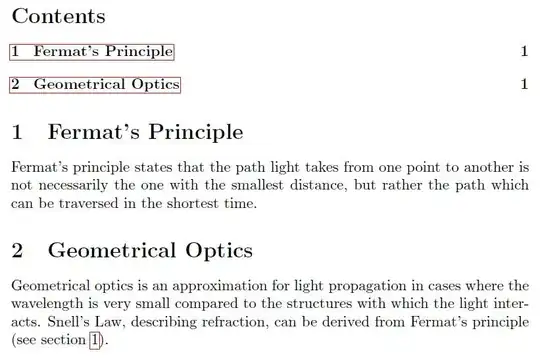 Naturally, this is resistant to moving and renaming the section, as long as you move the label along with the section and don't rename it.

chapter.0,chapter.1etc. I found that out withAcrobat Pro. – rekire Jan 10 '12 at 10:37\label{fermat}, not\label{section3}, because you might move it around later. Naming it\label{sec:fermat}is just a "namespace-like" convention to differentiate between section-, figure-, table- and whatnot-references. – Psirus Jan 10 '12 at 10:42